Selfie Verified Facebook Accounts: What It Means, How It Works & Buyer Guide (2026)
Short answer: A selfie verified Facebook account is a profile that has cleared a video-selfie identity check, where the face on camera is matched against the photos on the account. It is not the same thing as identity verification with the blue badge (Meta Verified), and it does not make an account ban-proof. This guide explains how the check works, how it differs from Meta's new Facebook Verified badge, and what to check before you buy a selfie verified Facebook account.
Last updated: September 21, 2026
Facebook now asks more people to prove they are real. On July 24, 2026, Meta began rolling out Facebook Verified, a badge that uses a video selfie, and selfie checks are also used when an account is flagged or locked. That has left buyers with one confusing phrase, "selfie verified", that means different things depending on who is using it.
Some sellers use it for a profile that passed an identity check, while others borrow the language of the new badge. Mixing them up is the most common buyer mistake, so this guide separates the terms, explains how the video selfie check works, and gives you a practical checklist so you know what you are paying for.
In this guide
- What is a selfie verified Facebook account?
- How Facebook's video selfie verification works
- Why people look for selfie verified accounts
- How to read a selfie verified account listing
- What to check before you buy
- How to secure the account after purchase
- Risks and limits you should know
- Frequently asked questions
QUICK ANSWER
- What it means: a profile that passed a video-selfie identity check. It is not the same as identity verification with the blue badge (Meta Verified) or the Facebook Verified badge.
- Realistic price range: $10 to $50 per account as of September 2026, depending on registration region and extras.
- What to check first: what "selfie verified" means in the listing, which login details are delivered, the registration region, and the warranty terms.
- What it does not do: make an account ban-proof. Activity, login habits and policy compliance decide how long an account lasts.
What Is a Selfie Verified Facebook Account?
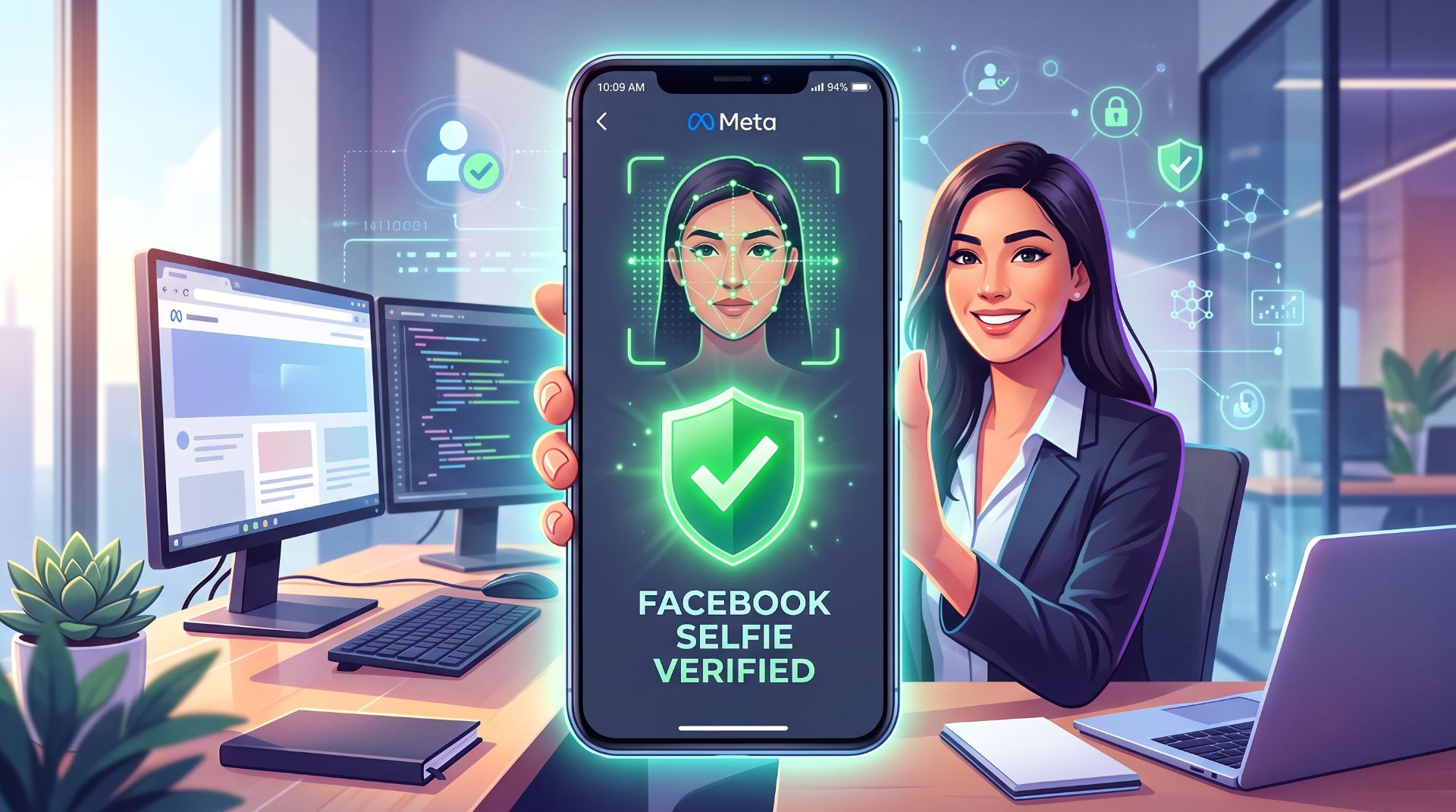
A selfie verified Facebook account is a profile that has already completed Facebook's video-selfie check. A short video of the account holder's face is recorded in the app and matched against the photos on the account using facial recognition. Once the check is passed, Facebook has confirmed that a real face stands behind the profile, and the account starts life with that step already completed.
Selfie Verification vs Identity Verification With the Blue Badge
People often confuse selfie verification with Facebook's blue-badge identity verification (Meta Verified). They are different checks:
| Selfie verification | Identity verification with the blue badge (Meta Verified) | |
|---|---|---|
| What Facebook checks | The face in a short video selfie, matched against the photos on the account | A government-issued ID document and, in some cases, a selfie video |
| Documents needed | None. A selfie is enough | A government-issued ID |
| What you see on the profile | No badge. The check is completed behind the scenes | A blue check next to the name on Facebook and Instagram |
| What it is for | Confirming a real person is behind the account so it can get to work | Giving creators and businesses a public credential plus extra tools |
In short, the blue badge is a public credential, while selfie verification is a behind-the-scenes identity check. A selfie verified account is not a blue-badge account, and it does not need to be one to do its job: it gives you a profile that has already cleared the identity step.
Selfie verified vs blue badge: in the account marketplace, "selfie verified" means the video-selfie identity check described above. It does not automatically carry a Meta Verified blue check or the newer Facebook Verified badge. Always read the listing to see exactly what is included.
Why Choose a Selfie Verified Account Instead of a Normal One
A standard new account starts with nothing behind it. A selfie verified account starts with the identity step already completed. Here is why that matters:
- The identity check is already behind you. New accounts can be asked to prove they are real, for example when they start selling on Marketplace or running campaigns. On a selfie verified account that check has already been completed, so you can get to work without stopping to complete it yourself.
- It starts from a stronger position. Facebook's automated systems focus heavily on brand-new profiles, and Meta's enforcement reports say most fake accounts are caught soon after they are created. An account with a completed selfie check has a stronger track record to stand on than a blank new profile.
- It is ready to work, not a blank starting point. Our selfie verified listings are warmed up, with Marketplace and two-factor authentication enabled, verified phone and email, and email and cookies included, so you skip the setup and history-building stages.
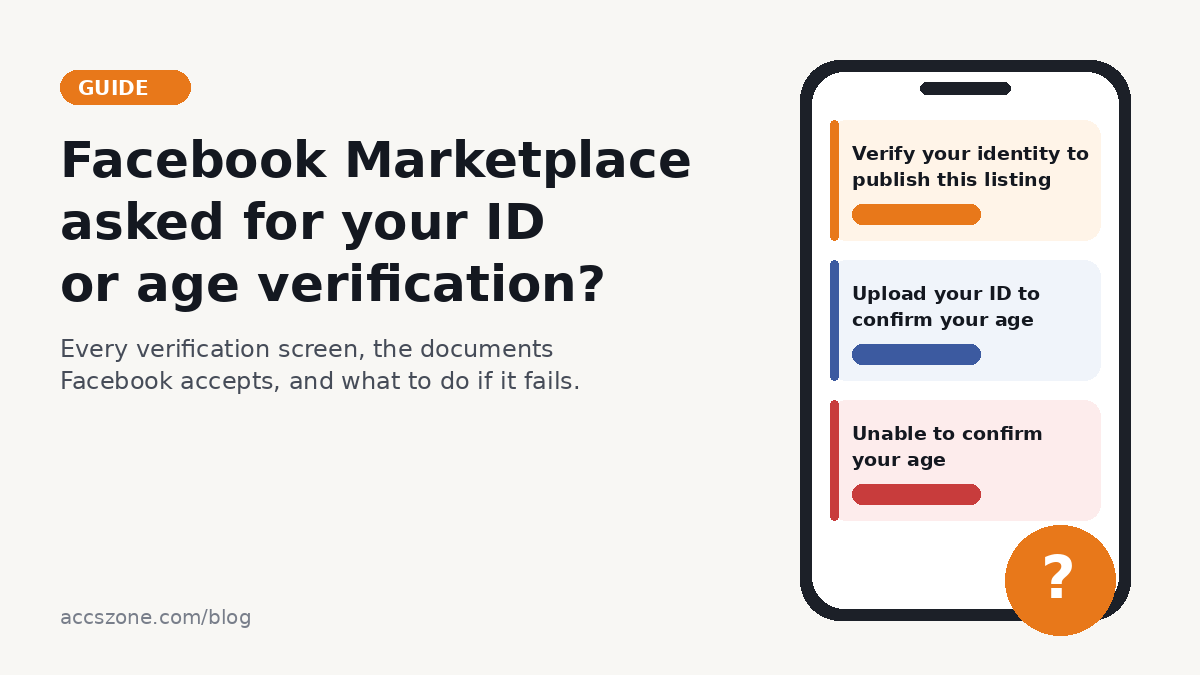
- It suits Marketplace, advertising and client work. These are areas where Facebook asks for more trust signals (see our guide to Facebook Marketplace ID and age verification), so starting with a profile that has already cleared an identity check is a more comfortable place to begin.
- It saves time at scale. Agencies and teams get a consistent, predictable package for every profile instead of setting up and warming each one separately.
Here is how the two compare side by side:
| Standard new account | Selfie verified account | |
|---|---|---|
| Identity check | Not completed. Facebook may ask for it later, for example when you start selling or advertising | Already completed |
| Starting point | A blank profile you set up and build up yourself | Warmed up, with verified phone and email and two-factor authentication enabled |
| Marketplace | Extra steps may be needed before you can use it | Marketplace is available on the account |
| Time to first use | Setup and warm-up come first | Secure the account and you are ready to start |
| Login package | You assemble logins, email and recovery details yourself | Email access and cookies included |
A selfie verified account gives you a head start, not a guarantee. Facebook can request additional checks on any account at any time, and how the account is used still matters. Details also vary by listing, so read the listing description for exactly what is included.
How Facebook's Video Selfie Verification Works
Facebook's selfie-based checks follow the same basic pattern:
- Facebook asks the account holder to record a short video selfie inside the app, following on-screen prompts such as turning the head so the camera captures different angles.
- Facial recognition compares the video with the photos already on the profile.
- Facebook returns a decision, typically within a few hours.
This method is harder to fake than uploading a still photo, which is exactly why Meta uses it. Meta also offers a video selfie option for people who lose access to their Facebook or Instagram account and need to prove the account is theirs.
Why People Look for Selfie Verified Accounts
Buyers usually want an account that has already cleared an identity step, so they can get to work faster. Common reasons include:
- Marketplace selling. Marketplace is one of the areas where Facebook applies stricter trust checks. Our guide to Facebook Marketplace ID and age verification explains which screens you may run into.
- Agencies and social media managers who need dependable profiles for client campaigns, page management and community work.
- Businesses testing content and campaigns before committing budget to a main account.
Keep expectations realistic. An account that already passed an identity check has a head start, but it is not a shield. Whether it stays healthy depends on how it is used afterwards.
How to Read a Selfie Verified Account Listing
Listings pack a lot of terms into one long title. Here is what they typically mean. The listing itself is always the final authority, so ask support if anything is unclear.
- Selfie Verified: the profile has cleared a video-selfie identity check.
- Warmed Up: the account has had some ordinary activity before delivery, so it is not brand new.
- Marketplace + 2FA Enabled: Marketplace is available on the account and two-factor authentication is switched on.
- SMS & Email Verified: the phone number and email address have been confirmed on the account. "USA SMS" means a US phone number was used.
- Email & Cookies Included: you receive access to the login email and the session cookies along with the account. Not sure what to do with a cookies file? See our guide to importing Netscape and JSON cookies.
- Registered from Mixed / USA / EU IP: the region the account was registered from.
- Empty Profile / Avatar Added: whether the profile is blank or already has a profile picture.
Here are the current selfie verified Facebook account options, with starting prices as of September 2026. Prices and stock change, so check the live category page before you order.
MIXED IP
Standard profile
from $10
Warmed up, Marketplace + 2FA enabled, SMS & email verified. Email and cookies included.
MIXED IP
Female profile
from $18
Warmed up, Marketplace + 2FA enabled, SMS & email verified. Email and cookies included.
USA IP
Female profile, USA
from $25
Warmed up, Marketplace + 2FA enabled, USA SMS & email verified. Email and cookies included.
USA IP
Empty profile, USA
from $35
Warmed up, Marketplace + 2FA enabled, USA SMS & email verified, blank profile. Email and cookies included.
EU IP
Standard profile, EU
from $45
Warmed up, Marketplace + 2FA enabled, SMS & email verified. Email and cookies included.
USA IP
Avatar added, USA
from $50
Warmed up, Marketplace + 2FA enabled, USA SMS & email verified, profile picture added. Email and cookies included.
Which option fits which need
| If you need... | Look at | Starting price |
|---|---|---|
| The lowest starting price | Standard profile, Mixed IP | from $10 |
| A female profile | Female profile (Mixed IP or USA IP) | from $18 |
| A profile registered from the USA | USA IP options: female profile, empty profile or avatar added | from $25 |
| A blank profile you set up yourself | Empty profile, USA | from $35 |
| A profile registered from the EU | Standard profile, EU | from $45 |
| A profile picture already added | Avatar added, USA | from $50 |
Listing red flag: if a listing does not explain what "selfie verified" means, which login details you receive, or how the warranty works, ask support before you pay. A vague listing is the easiest way to end up with something you did not expect.
Looking for a different setup? Browse the full Facebook accounts range, including USA Facebook accounts and Facebook accounts with friends.
What to Check Before You Buy
Use this checklist with any seller, including us:
- Confirm what "selfie verified" means in that listing. Ask whether the profile simply passed a selfie identity check or carries any badge. Never assume the Facebook Verified badge is included.
- Check what is delivered. Login details, email access, cookies, recovery information and the 2FA method should all be spelled out.
- Match the region and profile state to your use. USA, EU and mixed-region accounts suit different needs, and a blank profile, an added avatar and a warmed-up history are different starting points.
- Compare the whole package, not just the price. Look at what is included, such as email access, cookies and verified phone numbers, before deciding which option is the better value.
- Read the replacement warranty. Find out what is covered, how long you have to report a problem, and how to contact support. Our FAQ and terms cover this.
- Check the seller's reputation. Look at independent reviews and see how quickly support replies.
How to Secure the Account After Purchase
Good account hygiene protects your investment. For a broader walkthrough, see You Bought an Account. What Should You Do Before the First Login? For a selfie verified Facebook account, do these things as soon as it is delivered:
- Log in once and review everything. Confirm the details match the listing before you start using the account, and report any mismatch right away while the warranty window is open.
- Change the passwords. Update the Facebook password and the password of the linked email account.
- Set up your own two-factor authentication. Save the backup codes somewhere safe.
- Check where the account is logged in. In Facebook's security settings, log out of any session you do not recognize.
- Keep your login environment consistent. Frequent logins from different devices and countries are a common cause of security checkpoints.
- Ramp up activity gradually. Avoid bulk friend requests, mass messaging and rapid-fire posting. Our guide on why Facebook accounts get disabled explains what triggers automated enforcement, and our guide to managing multiple social media accounts safely goes deeper.
- Follow the rules. Stay within Meta's Community Standards and Commerce Policies.
Don't do these: share the login with people outside your team, send bulk friend requests or mass messages in the first weeks, ignore the warranty window, or use the account to mislead other people about who you are.
Risks and Limits You Should Know
- Nothing is guaranteed. A past selfie check does not protect an account from later restrictions if its activity breaks Meta's policies or looks automated.
- Verification rules keep changing. Facebook Verified only launched in July 2026 and is still rolling out, and Meta updates its enforcement regularly.
- Meta's terms apply to every account. You are responsible for how you use an account, so read Meta's terms before buying.
- Use accounts for legitimate purposes. Impersonation, scams and other deceptive practices are the fastest route to a permanent ban.
Frequently Asked Questions
What is a selfie verified Facebook account?
It is a Facebook profile that has passed a video-selfie identity check, where the face in a short video is matched against the photos on the profile using facial recognition.
Is it safe to buy a selfie verified Facebook account?
Buying any social account carries some platform risk, because Meta's terms limit how accounts can be shared or transferred. The risk you can control is delivery and setup: buy from a seller with a working replacement warranty, check the listing details, secure the account straight away, and keep activity normal in the first weeks.
Is a selfie verified account the same as the Facebook Verified badge?
Not automatically. Facebook Verified is a separate badge that Meta began rolling out on July 24, 2026 in select markets. A selfie verified account may or may not display it, so check the listing.
Who can get the Facebook Verified badge?
According to Meta, personal profiles belonging to users aged 18 or older who are in good standing with Community Standards and show no inauthentic behavior. Pages and ProMode accounts are not eligible, and availability depends on your market.
Is selfie verification the same as Meta Verified (the blue check)?
No. Meta Verified is the blue-badge program: Meta confirms identity by reviewing a government-issued ID and, in some cases, a selfie video, and the badge is shown publicly. Selfie verification is a face-match check that needs no ID document and adds no badge to the profile.
Do selfie verified accounts get banned less often?
An earlier identity check can remove one source of friction, but it does not make an account immune. Restrictions depend mainly on behavior, login patterns and policy compliance, and no account can be guaranteed.
What do I receive after buying?
It depends on the listing. Most selfie verified Facebook accounts on AccsZone include login details, and many include email access and cookies. Read the listing title and description for the exact package.
What if there is a problem after delivery?
Contact support as soon as you notice it. AccsZone orders come with a replacement warranty, and the FAQ explains the process. Reporting quickly gives you the best chance of a smooth fix.
How much do selfie verified Facebook accounts cost?
As of September 2026, options start at around $10 and go up to about $50 per account, depending on the registration region and extras such as USA SMS verification or an added avatar.
What Actually Decides the Outcome
Selfie verification is a useful trust signal, but it is only one factor. What separates a good purchase from a wasted one is what you check before paying and what you do in the first days after delivery: a transparent listing, a working warranty, a secured account and normal activity. When you are ready to compare options, browse our selfie verified Facebook accounts and choose the setup that fits your needs.
Selfie verified Facebook accounts with a replacement warranty and instant delivery
Browse the selfie verified catalog →Related reading: Facebook Marketplace ID & Age Verification Explained and Why Was My Facebook Account Disabled?