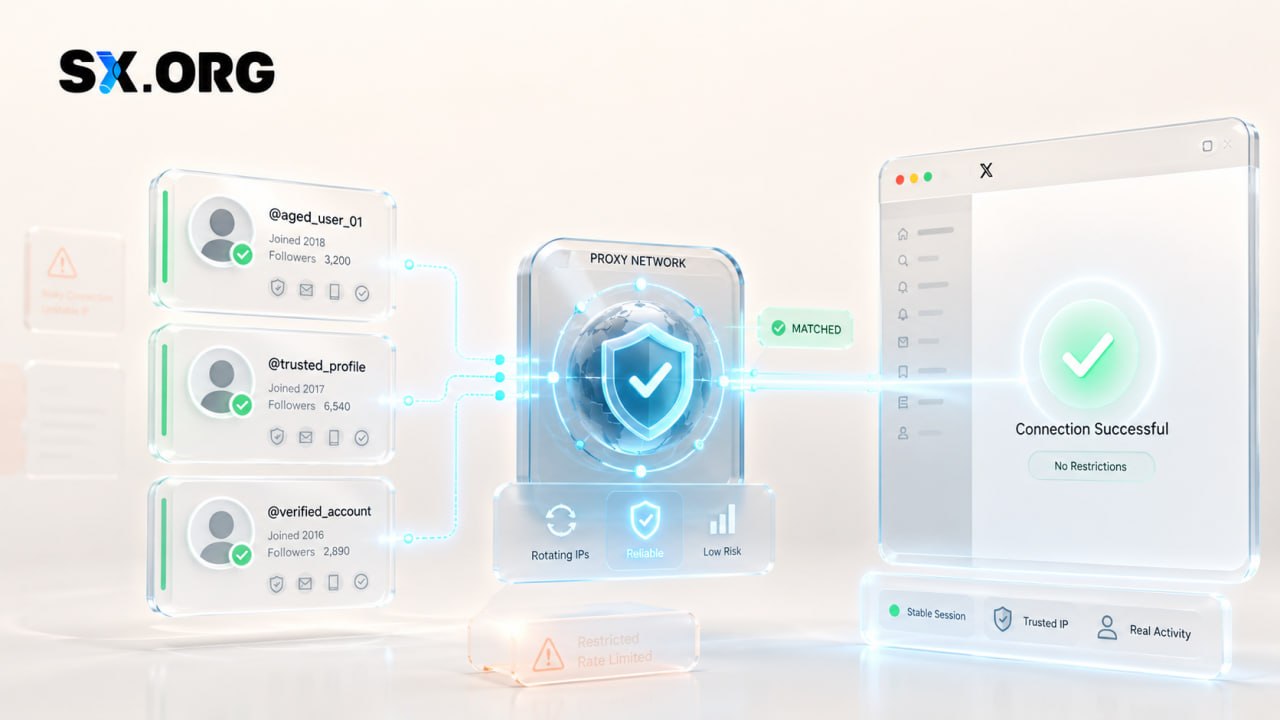
Buy mobile proxies on carrier IPs from the USA, United Kingdom, Germany, France, Italy and Brazil. Every listing title states the country, the mobile network (Verizon, T-Mobile, Three, Vodafone Germany, SFR, WindTre or TIM), that it is a 5G line, and the plan length — 1, 7, 15 or 30 days. Prices and stock are shown live. Pay in crypto and the proxy credentials are released to your dashboard automatically; a proxy that does not work at all when delivered is covered by the 24-hour replacement policy.
Mobile proxies for sale: choose USA or EU & international
AccsZone groups its mobile proxies into two sub-categories by region. Open the one that matches the country your accounts or campaigns need, then compare the live listings inside it; the listing title states the country, carrier and plan length.
USA mobile proxies
5G mobile proxies on the two US carriers named in the titles, Verizon and T-Mobile, in 7-day, 15-day and 30-day plans. The listing pages state SOCKS5 and HTTP access with an IP rotation link. The sub-category to use when your accounts, ads or tests must come from a US mobile IP.
5G mobile proxies for the United Kingdom (Three), Germany (Vodafone Germany), France (SFR), Italy (WindTre) and Brazil (TIM), each in 1-day, 7-day and 30-day plans. The 1-day plans suit a quick test of a country before committing to a month; the listing pages state the same SOCKS5/HTTP credentials and rotation link as the US plans.
Delivery is automatic. When your crypto payment confirms and the purchase is placed, the proxy credentials are released to your AccsZone dashboard without a manual step. Open My Orders, click View on the purchase and save the details; the plan period runs from delivery.
Credential format
The listing pages state what each plan delivers: SOCKS5 and HTTP proxy credentials — host, port, username and password, written as socks5://host:port:username:password and http://host:port:username:password — plus an IP rotation link you open whenever you want the line to pick up a new mobile IP. The listing pages describe each plan as unlimited data for its period and list browsers, anti-detect browsers (GoLogin, AdsPower, Dolphin Anty) and any software that accepts a SOCKS5 or HTTP proxy as compatible.
Reading a mobile proxy listing
Each title is the specification: the country (USA, United Kingdom, Germany, France, Italy or Brazil), the carrier (Verizon, T-Mobile, Three, Vodafone Germany, SFR, WindTre or TIM), the network generation (5G on every current listing) and the plan length (1, 7, 15 or 30 days). Compare titles before you compare prices, and open the listing page for the protocol and rotation details.
How to use a mobile proxy
Pick the country first, then the plan length. Choose the sub-category and carrier that match the country of the account or audience you work with — a US Instagram or Facebook account on a Verizon or T-Mobile line, a UK, German, French, Italian or Brazilian account on the matching EU & international line. Start with a 1-day or 7-day plan if you are testing a new country.
Copy the credentials from your dashboard. After payment, open My Orders and take the host, port, username and password. Use the SOCKS5 entry in software that supports it and the HTTP entry everywhere else; both point at the same line.
Enter the proxy in a dedicated browser profile. In an anti-detect browser (the listing pages name GoLogin, AdsPower and Dolphin Anty) create one profile per account, paste the host, port, username and password into its proxy settings and run the built-in connection check. In Chrome or Firefox, use a proxy extension or the system proxy settings instead. One proxy line per profile keeps each account's traffic separate.
Check the IP before you log in to anything. Open an IP-check page inside the profile and confirm the country and the mobile carrier are the ones you bought. If you need a different address on the same line — for example before opening a second account — open the rotation link, wait for it to complete, then check the IP again.
Keep the line to one job and keep the credentials private. Do not share the username and password or run many unrelated accounts through one line at the same time. Note the plan length from the title: when the 1, 7, 15 or 30 days are up, the line stops, so order a new plan before a long campaign reaches that date.
Replacement policy in plain words
Covered. Credentials that do not connect at all when delivered, or a proxy that does not match its listing — the wrong country, carrier or plan length — is replaced or refunded.
The window. Report it within 24 hours of purchase through a support ticket; later reports are not eligible.
Refund form. Refunds are credited to your AccsZone balance as store credit, not returned to your wallet.
Not covered. Anything after the proxy has connected and worked: a platform restricting an account you used through it, slow speeds on a specific website, or the plan simply reaching the end of its 1, 7, 15 or 30 days. The listing pages add that, as an instantly delivered digital product, refunds are generally not available once the credentials have been delivered, except where AccsZone's policies or applicable law require it.
How to claim. Contact support with the purchase ID, the proxy host and a screenshot of the connection error from your proxy software or browser.
Checkout is in cryptocurrency (Bitcoin, USDT, Ethereum, Litecoin and other major coins): top up your balance, and when the network confirms the deposit — usually 10–30 minutes — the purchase is delivered automatically. Cards are not accepted.
The live chat on accszone.com is staffed 24/7 and handles setup or connection questions; for custom volumes or API questions use Telegram @accszone1. Resellers can order through the AccsZone API.
Frequently asked questions
Where can I buy mobile proxies?
On this page. Choose USA or EU & international, open the listing whose country, carrier and plan length match what you need, set the quantity and pay from your crypto balance. The proxy credentials appear in your dashboard automatically when the payment confirms.
Is it legal to buy and use mobile proxies?
Buying and using a proxy is legal in most countries; a proxy is ordinary network infrastructure. What you do through it is what matters: the websites and apps you access through the proxy still apply their own terms, and many platforms restrict automation, multiple accounts or misrepresenting your location, so a purchased proxy does not change those rules. Whether a specific use is lawful for you depends on your country and on the activity; this is not legal advice. AccsZone's Terms & Conditions prohibit using any product for illegal activity, spam or circumventing platform policies.
How much does a mobile proxy cost?
Every listing on this page shows its current price and stock, so you see the price before you pay. What moves it: the country and carrier, and above all the plan length — 1-day plans are the cheapest way to test a country, and the 30-day plans cost the most per listing.
What is a mobile proxy, and how is it different from a residential or datacenter proxy?
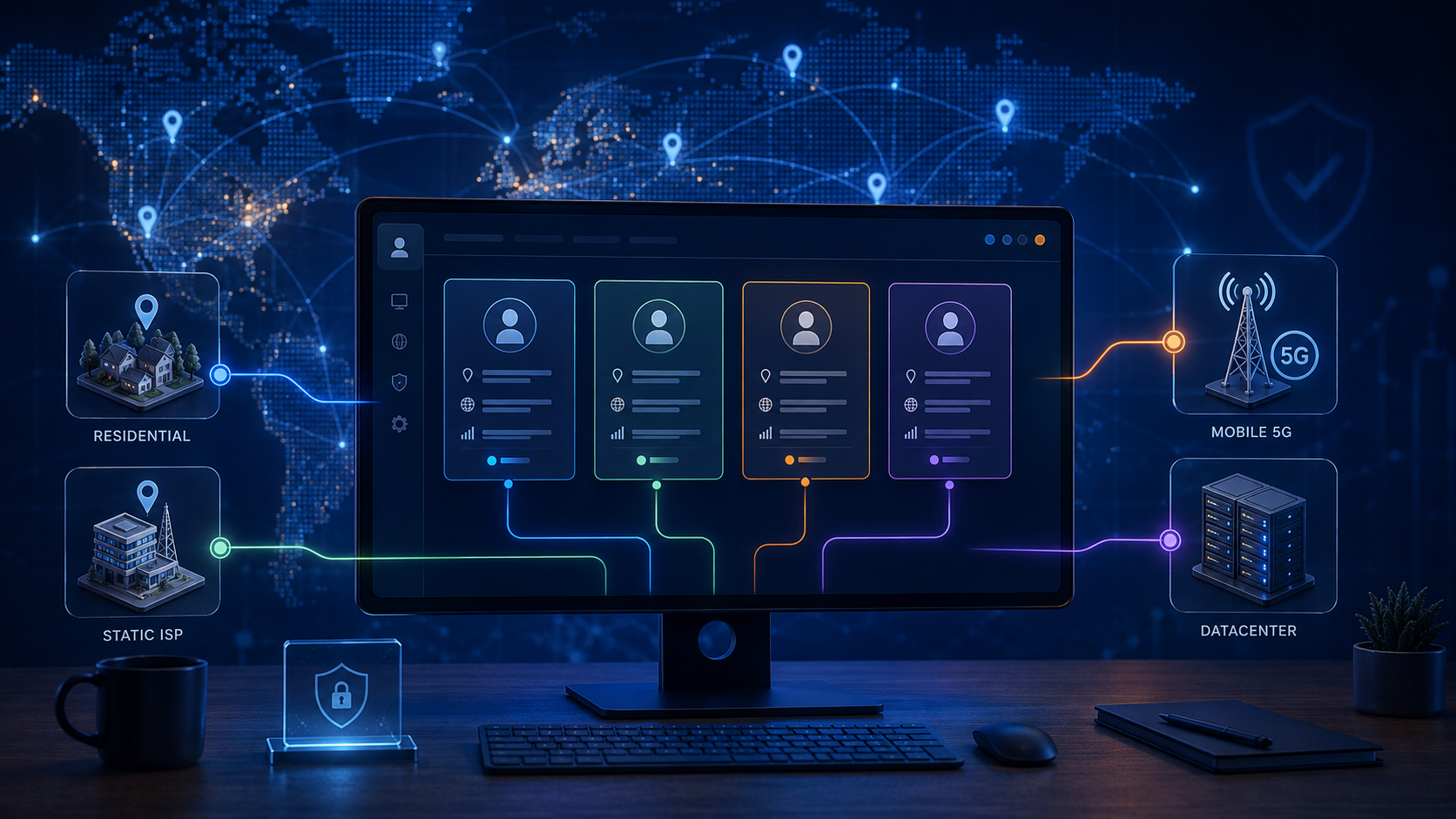
A mobile proxy routes your traffic through an IP address assigned by a mobile carrier — here Verizon, T-Mobile, Three, Vodafone Germany, SFR, WindTre or TIM — so websites see a phone-network address. Residential proxies use home broadband addresses and datacenter proxies use hosting-company addresses. Carrier addresses are shared by many real phone users and change often, which is why buyers choose them for account work.
Which countries and carriers are available?
USA on Verizon and T-Mobile in the USA sub-category; United Kingdom (Three), Germany (Vodafone Germany), France (SFR), Italy (WindTre) and Brazil (TIM) in the EU & international sub-category. Each listing title names one country and one carrier; the stock figure next to it shows how many lines are available.
Are these 4G or 5G mobile proxies?
Every current listing title states 5G for its carrier line — Verizon 5G, T-Mobile 5G, Three 5G and so on. The network generation and the carrier are part of the title, so read it rather than assuming; if a 4G/LTE listing is added it will say so in the same place.
What exactly is delivered?
The listing pages state: SOCKS5 proxy credentials and HTTP proxy credentials — host, port, username and password, in the form socks5://host:port:username:password and http://host:port:username:password — plus an IP rotation link, released to your dashboard right after payment. The listing pages describe the plan as unlimited data for its period; the period itself (1, 7, 15 or 30 days) is in the title.
Can I change the IP address?
Yes. The listing pages state that every plan includes a rotation link; open it whenever you want the line to pick up a new mobile IP, then re-check your IP in the browser profile before continuing. The host, port, username and password stay the same after a rotation.
Do these proxies work with anti-detect browsers and automation tools?
The listing pages name GoLogin, AdsPower, Dolphin Anty, Chrome and Firefox, and any software that accepts a SOCKS5 or HTTP proxy. Paste the host, port, username and password into the profile's proxy settings and run its connection check; use the SOCKS5 entry where the tool supports it and the HTTP entry otherwise.
What if the proxy does not connect?
First re-check the host, port, username and password for copy errors and try the HTTP entry if SOCKS5 fails. If it still does not connect, or the line is not the country, carrier or plan length you ordered, open a support ticket within 24 hours of purchase with the purchase ID and a screenshot of the error and it will be replaced or refunded as store credit. Problems after the line has worked, or after the plan period ends, are not covered; see the after-sale service article.