You Bought an Account. What Should You Do Before the First Login?
Quick answer
Before the first login on a purchased account, do five things: read exactly what was supplied with the account, decide the geography it will be operated from, assign a stable network connection, give it a dedicated browser profile, and confirm the existing 2FA and recovery setup. Then log in and change as little as possible in that first session.
Buying an account used to feel like the end of the setup process. You found the right profile, received the credentials, logged in and started working.
For anyone managing accounts at scale, that sequence has changed. The account itself is still central, but the environment around it now matters much more than it did a few years ago. Teams routinely work across several countries, devices, browser profiles and network connections. A login is no longer just a username and password arriving at a server. It comes with context.
That doesn't mean the first login needs to become a complicated technical procedure. Usually, the opposite is true. The teams that handle accounts well tend to make the process boring: they check what they received, prepare the environment, make sure the geography makes sense, and then log in without changing ten things at once.
A few minutes before the first session can make everything that follows much easier.
Key takeaways
- Read the account details before you open the platform, not after something goes wrong.
- Choose a geography and a network connection deliberately, then keep both stable.
- Give every account its own browser profile so operators can hand work over cleanly.
- Establish access first. Make security changes second, one at a time.
- Consistency scales better than complexity — most teams need fewer tools, not more.
Start with what you actually bought
Before opening the platform, read the account details.
It sounds almost too obvious to mention, yet this is where rushed workflows often begin. Different account types come with different sets of information. Depending on what you purchased, you may receive an email address, recovery information, 2FA details, cookies or other account-specific data.
The useful question isn't simply "Do I have the password?" It's "What exactly came with this account, and what will I need once I'm inside?"
If you're buying through a marketplace such as AccsZone, the product listing itself provides useful context before purchase: account type, geography and the characteristics included with that particular listing. Treat those details as part of your operating setup rather than something you stop looking at once the order is complete.
For teams buying accounts regularly, recording the basics before login also saves a surprising amount of confusion later:
- account platform and type;
- registered geography, where relevant;
- login and recovery information supplied with the account;
- 2FA status;
- browser profile assigned to the account;
- network environment that will be used for it.
Nobody needs an elaborate database for five accounts. At fifty or five hundred, however, relying on memory becomes an operational problem of its own.
Geography is part of the environment
The next thing worth looking at is the connection.
An account associated with one geography being operated consistently from another isn't automatically a problem. People travel, networks change, mobile users move between cells, and legitimate internet activity is messy. Platforms know that.
What tends to deserve more attention is unnecessary inconsistency.
Imagine a US account being prepared by a team in Europe. The operator signs in through an ordinary local connection, later switches to a VPN endpoint elsewhere, and the next session comes through another country again. Each individual action may be perfectly explainable. Together, they create an operating environment that is harder to keep consistent.
For account teams, matching the connection to the intended geography is therefore less about pretending that a user never moves and more about reducing changes that serve no operational purpose.
| Environment choice | What the operator experiences | More consistent approach |
|---|---|---|
| Different country on each session | Geography keeps moving without a business reason | Assign an appropriate GEO and keep it stable |
| Random shared network endpoints | IP characteristics can vary considerably | Use a known mobile or residential network layer |
| One connection for many unrelated profiles | Account environments become difficult to separate | Assign network resources according to the account structure |
| Constant manual switching | More room for operator mistakes | Document the network setup and reuse it consistently |
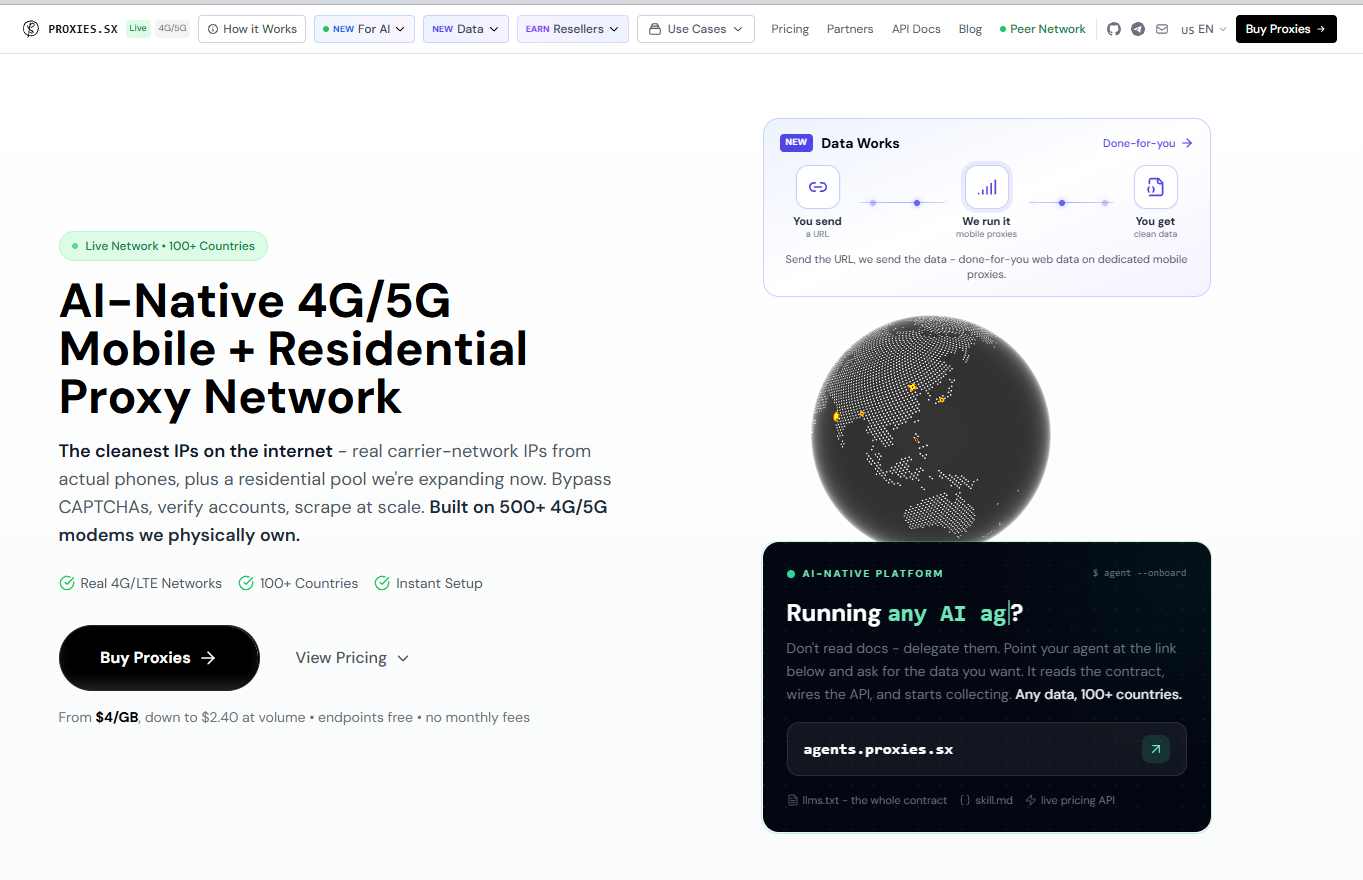
This is where proxy infrastructure becomes part of the account stack rather than an accessory added afterwards. For teams that need mobile or residential connections across different locations, Proxies.sx provides an AI-oriented infrastructure layer based on real 4G/5G carrier and residential IPs across 100+ countries. Its network combines proprietary physical modems with a real-device network, making it usable in account-management environments where geography and session consistency need to be controlled alongside the rest of the workflow.
The point isn't to change IPs constantly. Quite often, good infrastructure is valuable because it lets you avoid doing that.
Related reading: how to choose proxies for managing multiple accounts walks through residential, mobile and datacenter trade-offs in more detail.
The browser shouldn't be an afterthought
Network consistency is only one layer.
Teams that manage many accounts eventually discover that the browser itself needs some organization too. Cookies, active sessions, extensions, stored credentials and browser profiles accumulate quickly. If everything lives inside one everyday browser window, operators eventually lose track of which environment belongs to which account.
The practical solution doesn't have to be sophisticated. A dedicated browser profile may be enough for a small operation. Larger teams often use profile-management systems because they need repeatable environments across operators and machines — our comparison of antidetect browsers covers the main options.
What's more interesting is the principle underneath: an account should have a recognizable working environment.
You don't want to reconstruct that environment from scratch every Monday morning.
This becomes particularly noticeable when several people share operational responsibilities. If one team member knows that Account A belongs to Profile A and Connection A, another person can pick up the work without improvising. Infrastructure consistency starts saving time long before it solves anything technical.
Don't redesign the account in the first five minutes
There is a temptation after receiving a new account to immediately "make it yours."
Change the password. Add another recovery method. Update the profile. Adjust privacy settings. Connect an application. Start activity. Maybe change a few other things while you're already there.
Operationally, there is little advantage in compressing all of that into the first session.
A cleaner approach is to establish access first. Confirm that the supplied credentials work, understand the current account configuration and decide which changes are actually necessary for your use case. Security and recovery settings can then be handled deliberately rather than as part of a frantic first-login routine.
This also makes troubleshooting far easier. When ten variables change simultaneously, it becomes difficult to understand which change caused an unexpected verification request or interrupted a workflow. When changes are deliberate and documented, the situation is much easier to read.
The first session can be surprisingly uneventful. That's usually a good thing.
What this looks like in real operations
Consider a small agency managing social accounts for several regional campaigns. They purchase profiles for different markets and initially let each operator choose whatever connection is convenient. Nothing looks obviously wrong, but after a few weeks the internal setup becomes chaotic: nobody remembers which browser contains which session, IP locations vary depending on who is working that day, and handovers take longer than the work itself.
The fix isn't some elaborate security system. They assign a browser profile, geography and connection to each account and put those details into their internal sheet. Suddenly, Monday looks much like Friday.
A different situation appears with a team that only manages eight accounts. They don't need enterprise tooling at all. Separate browser profiles and a consistent network setup are enough. Adding more infrastructure would actually make their workflow worse because there would be more things for operators to configure incorrectly.
Then there are large operations where accounts are part of automated workflows. At that point, manually selecting proxies and browser settings stops making sense. Network resources are assigned programmatically, sessions are tracked and infrastructure is managed through APIs. The operating principle hasn't changed; only the scale has.
Proxies.sx fits this latter model as well, because its infrastructure supports HTTP/SOCKS5, REST API and MCP integrations alongside conventional proxy access. The same network layer can therefore sit behind manual account work or a more automated system without requiring the team to redesign the basic account logic.
Security comes after understanding the setup
Once access has been established, review the security and recovery options available for that account and platform.
This part should be driven by the account type rather than a universal recipe. Some accounts arrive with 2FA already configured. Others include recovery information. Some services allow particular security details to be updated easily, while others may treat significant changes differently.
There is no benefit in changing something simply because the setting exists.
Experienced operators tend to ask a more practical question: if the primary login stops being available tomorrow, do we understand how access is recovered?
That may mean confirming a recovery email, securely storing 2FA information or documenting which team member controls a particular authentication method. For shared operational environments, ownership matters almost as much as the security setting itself.
If restrictions appear after a network change, using proxies with aged accounts without triggering restrictions covers the patterns that most often cause it.
Multiple accounts need separation, not complexity
Once a workflow grows beyond a handful of accounts, separation becomes more valuable.
The common mistake is to interpret separation as "add as many tools as possible." That's rarely necessary. What matters is that one account's operating context doesn't become indistinguishable from another's.
A mature setup usually has a few recognizable characteristics:
- each account has an assigned browser or profile environment;
- network geography is chosen deliberately rather than randomly;
- credentials and recovery information are stored in a predictable place;
- operators know which changes have already been made;
- automation follows the same environment rules as manual work.
Notice what's missing: endless rotation, constant profile rebuilding and complicated procedures before every login.
Consistency is usually less exciting than complexity, but it scales better.
A practical pre-login view
The preparation process can be reduced to a simple sequence without turning it into a rigid checklist.
| Before login | Question worth asking |
|---|---|
| Account details | Do I understand everything supplied with this account? |
| GEO | Does the operating location make sense for the account and intended use? |
| Network | Have I chosen the connection this account will normally use? |
| Browser | Does this account have a clear, separate working environment? |
| Security | Do I understand the existing 2FA and recovery setup? |
| First session | Am I making only the changes that are actually necessary? |
The order isn't sacred. In real teams, some of these decisions happen at purchase, others immediately before login, and some are automated entirely. The value comes from having made the decisions at all.
Frequently asked questions
Should the proxy country always match the account country?
Not necessarily in every situation. Real users travel and change networks. But if you're deliberately building an operating environment for an account tied to a particular market, using an appropriate geography and keeping it stable removes a variable you would otherwise have to explain later.
Do I need a separate proxy for every account?
It depends on scale, platform and operating model. There is no useful universal number. What matters more is whether unrelated accounts can be managed as distinct environments and whether your network architecture remains understandable as the operation grows.
Should I change the password immediately?
There isn't a single rule that applies to every account type and platform. First understand what credentials and recovery methods were supplied, confirm access, and then make the security changes appropriate for the account. Changing several authentication variables simultaneously can create unnecessary operational confusion.
Is a separate browser profile really necessary?
For one or two accounts, perhaps not. Once you're repeatedly working with several independent accounts, separate profiles become useful simply as an organizational tool. Keeping cookies, sessions and credentials separated makes everyday operations cleaner even before any technical considerations enter the picture.
What changes when account management becomes automated?
Mostly the way decisions are executed. Instead of an operator manually selecting a browser profile and network connection, software assigns those resources. This is where API-accessible infrastructure becomes useful: the same rules can be applied consistently without depending on someone remembering them for every session.
The first login should be the boring part
Account operations have become more infrastructure-aware, but that doesn't mean every login needs an elaborate ritual.
A good account already gives the team the starting point it needs. The job before the first login is simply to make the surrounding environment coherent: know what you've received, decide where and how the account will be operated, keep the browser environment organized and avoid introducing unnecessary changes all at once.
As teams scale, these small decisions gradually turn into infrastructure policy. Browser environments become managed profiles. Individual connections become network pools. Manual notes become internal systems and APIs. The underlying idea stays remarkably similar: keep the account, device, network and operator workflow aligned enough that the system remains understandable.
For teams using Proxies.sx as that network layer, the current WELCOME15 code provides 15% off the first order. More interesting in the long run, though, is the shift happening around account infrastructure itself: proxy networks are increasingly becoming programmable components of broader automation systems rather than something an operator configures separately for every session.
The best first login is rarely memorable. You know what account you're opening, the environment is already prepared, and there is very little left to improvise.
Disclosure: this article mentions Proxies.sx as part of a partner arrangement. Partner links are marked nofollow sponsored. Platform terms and applicable law apply to all account activity described here.