How to Safely Manage Aged Accounts with an Anti-Detect Browser
By Clicia McGuinness, Multi-Account Operations & Anti-Detect Consultant. · Published June 2026 · Last updated June 18, 2026 · In partnership with Incogniton
Buying a verified or aged account can save weeks, even months, of work. But a little mistake or seemingly harmless step in how they are handled can undo the value of the accounts.
Modern platforms don't rely solely on usernames and passwords to spot illegitimate accounts; they also analyse browser fingerprints, IP addresses, cookies, and dozens of other signals. If those signals don't match the account's previous behaviour, it may be flagged or restricted.
That's why experienced multi-account users rely on anti-detect browsers, which provide an isolated environment for every account. In this guide, we'll explain how they work and how Incogniton simplifies the process, including importing cookies so you can get started quickly with accounts purchased from AccsZone.
Why Aged Accounts Need To Be Managed Properly
Every aged account comes with a history. That history isn't limited to the posts it has made or the date it was created. Platforms also build a record of the environment from which the account has been accessed over time.
Whenever you visit a website, your browser shares much more than your username and password. Websites can collect information such as your IP address, browser version, operating system, screen resolution, language settings, installed fonts, time zone, hardware details, cookies, local storage, and technical identifiers like Canvas and WebGL fingerprints. Together, these signals create what is commonly known as a browser fingerprint.
For legitimate reasons, platforms use these signals to recognize returning users, remember preferences, improve security, and detect suspicious activity. However, they also use them to determine whether an account is being accessed in a way that matches its historical behaviour.
An aged account that has consistently been accessed from one browser configuration and network may suddenly appear unusual if it is logged into from a completely different environment. A new IP address, a different browser fingerprint, missing cookies, and unfamiliar device characteristics occurring all at once can increase the likelihood of additional security checks or verification requests.
While no platform publicly reveals exactly how its detection systems work, maintaining consistency is widely regarded as one of the safest approaches when managing existing accounts.
This is why buying a quality aged account is only part of the process. Managing that account properly afterwards is equally important.
How an Anti-Detect Browser Helps
An anti-detect browser is a specialised browser built to create isolated browser environments. Instead of every account sharing the same browser identity, each browser profile functions as if it were running on its own separate device.

Each profile has its own browser fingerprint, cookies, cache, local storage, browsing history, and proxy configuration. This separation helps ensure that activity from one account remains isolated from every other account you manage.
For example, instead of logging into five Facebook accounts using five Chrome tabs, all of which share the same browser environment, you can create five independent browser profiles. Each profile has its own digital identity, making account management significantly cleaner and more organized.

This approach is useful for marketers, agencies, advertisers, e-commerce sellers, virtual assistants, social media managers, and anyone responsible for handling multiple accounts across platforms like Facebook, Instagram, TikTok, Amazon, eBay, and Google.
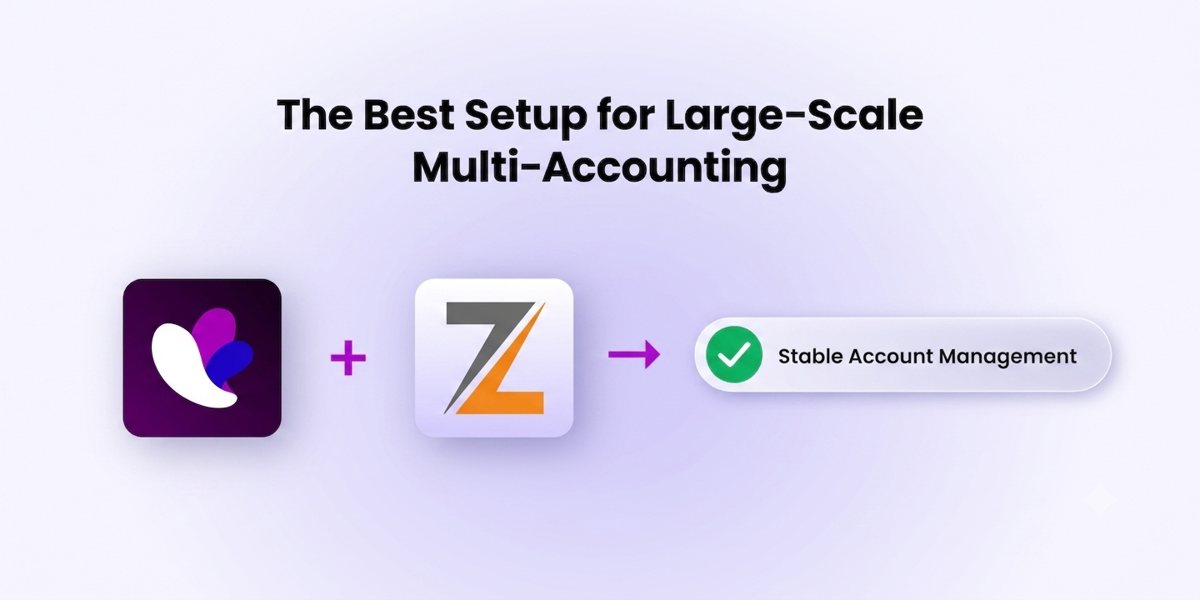
Incogniton is designed around this workflow. It allows you to create dedicated browser profiles, each with its own fingerprint, cookies, storage, and proxy settings, making it easier to manage accounts without constantly switching devices or clearing browser data.
Cookie Management with Incogniton
Cookies are one of the most valuable pieces of data that can accompany an aged account.
They store information about previous browsing sessions, authentication, user preferences, and login states. When an account comes with its original cookies, those cookies can help recreate a browsing session that more closely resembles the account's previous activity.
Some account marketplaces provide cookies alongside account credentials whenever possible. Importing them allows you to preserve more of the account's existing browsing context rather than creating an entirely fresh session.
Incogniton includes built-in cookie importing to simplify this process.

The workflow is straightforward:
- Create a new browser profile.
- Configure the appropriate proxy.
- Import the supplied cookies.
- Save the profile.
- Launch the browser and access the account.
Instead of manually rebuilding sessions or repeatedly signing in, you can begin working with the account much faster while keeping everything tied to its dedicated browser profile.
And in cases where you don't have this option, and you want to "warm up" the browser profile, Incogniton comes with a cookie collector. The feature allows you to gather cookies from target websites so that you have browser history and don't trip the platform's alarm bells.
Using AccsZone Accounts with Incogniton
If you've purchased accounts from AccsZone, pairing them with an anti-detect browser like Incogniton is a practical way to keep each account organized. A typical workflow looks like this:
- Purchase an account from AccsZone.
- Receive the account credentials and any accompanying cookies, where provided.
- Create a dedicated browser profile in Incogniton.
- Assign a suitable proxy to that profile.
- Import the cookies into Incogniton.
- Launch the profile and begin working.
Because every browser profile is isolated, each account gets its own dedicated browsing environment, which is particularly useful for users managing multiple Facebook, Instagram, marketplace, or advertising accounts at the same time.
Best Practices for Managing Multiple Aged Accounts
An anti-detect browser is an important part of the workflow, but it's most effective when combined with good account management practices:
Use one browser profile for every account
Every account should have its own dedicated browser profile. Avoid logging multiple accounts into the same profile, even if they belong to the same platform. A dedicated profile preserves each account's browser fingerprint, cookies, cache, and browsing data, helping maintain consistency over time.
Pair every profile with its own proxy
A browser fingerprint is only part of an account's identity. Network information also plays an important role.

Assigning a proxy to each browser profile helps maintain a consistent connection history for that account. Frequently switching between unrelated IP addresses can introduce unnecessary changes to the browsing environment.
Keep cookies with the same browser profile
If an account includes cookies, import them once and continue using them within that same browser profile. Avoid exporting cookies between different profiles or mixing session data from separate accounts. Keeping cookies tied to a single profile helps preserve session continuity.
Avoid making unnecessary changes
Once you've established a working browser profile, resist the urge to keep modifying it. Regularly changing browser fingerprints, proxies, languages, time zones, or other profile settings can create an inconsistent browsing history. Stability is generally preferable to constant adjustment.
Organize profiles properly
As the number of accounts grows, the organization becomes increasingly important. Use descriptive profile names, group profiles by client, platform, or project, and add notes where appropriate. Spending a few minutes organizing profiles can save significant time when managing large account portfolios.
Frequently Asked Questions
What is an anti-detect browser?
A specialised browser that creates isolated browser environments. Each profile has its own browser fingerprint, cookies, cache, local storage, browsing history, and proxy configuration, so activity from one account stays isolated from every other account you manage. Incogniton is built around this workflow.
Why do aged accounts need to be managed with an anti-detect browser?
Aged accounts carry a history that includes the environment they've been accessed from. Logging in from a completely different fingerprint and IP, with missing cookies, all at once can look unusual and increase the likelihood of security checks. An anti-detect browser keeps each account in a consistent, isolated environment.
What is a browser fingerprint?
The combination of signals a website reads from your browser and device — IP address, browser version, operating system, screen resolution, language, installed fonts, time zone, hardware details, cookies, and identifiers like Canvas and WebGL. Together they can identify and link accounts.
Should I import cookies that come with an aged account?
Yes, where they're provided. Cookies store previous sessions, authentication, preferences, and login states, so importing them helps recreate a session that resembles the account's previous activity. Incogniton includes built-in cookie importing, plus a cookie collector to warm up a profile when cookies aren't supplied.
Do I need a separate proxy for each account?
Yes. Network information is a key part of an account's identity. Assigning a proxy to each profile maintains a consistent connection history, while frequently switching between unrelated IPs introduces unnecessary changes to the browsing environment.
How do I use AccsZone accounts with Incogniton?
Purchase the account from AccsZone, receive the credentials and any cookies, create a dedicated Incogniton profile, assign a suitable proxy, import the cookies, then launch the profile and begin working. Each profile is isolated, so every account gets its own browsing environment.
Final Thoughts
Buying high-quality accounts is only the beginning. How you manage those accounts afterward plays an equally important role in maintaining a stable workflow.
An anti-detect browser helps create isolated browsing environments for each account, making it easier to manage multiple Facebook, Instagram, Amazon marketplace, and business accounts without constantly clearing cookies or switching browsers. Incogniton simplifies this process further with dedicated browser profiles, proxy support, and quick cookie importing, allowing you to start working with your accounts in just a few steps.
For users purchasing accounts through AccsZone, combining quality accounts with a properly configured browser environment provides an efficient workflow for day-to-day account management.
Whether you're managing a handful of accounts or a large portfolio, the principles remain the same: keep each account isolated, maintain consistency, and treat account management as an ongoing practice rather than a one-time setup. With the right tools and habits in place, purchased accounts can remain stable and productive assets over the long term.
Aged & verified accounts across 50+ categories · cookies where available · instant automatic delivery · 24/7 live support · Telegram @accszone1
Browse AccsZone →
Try the browser: Incogniton anti-detect browser · Related guides: Aged Facebook Accounts · Facebook Ad Accounts