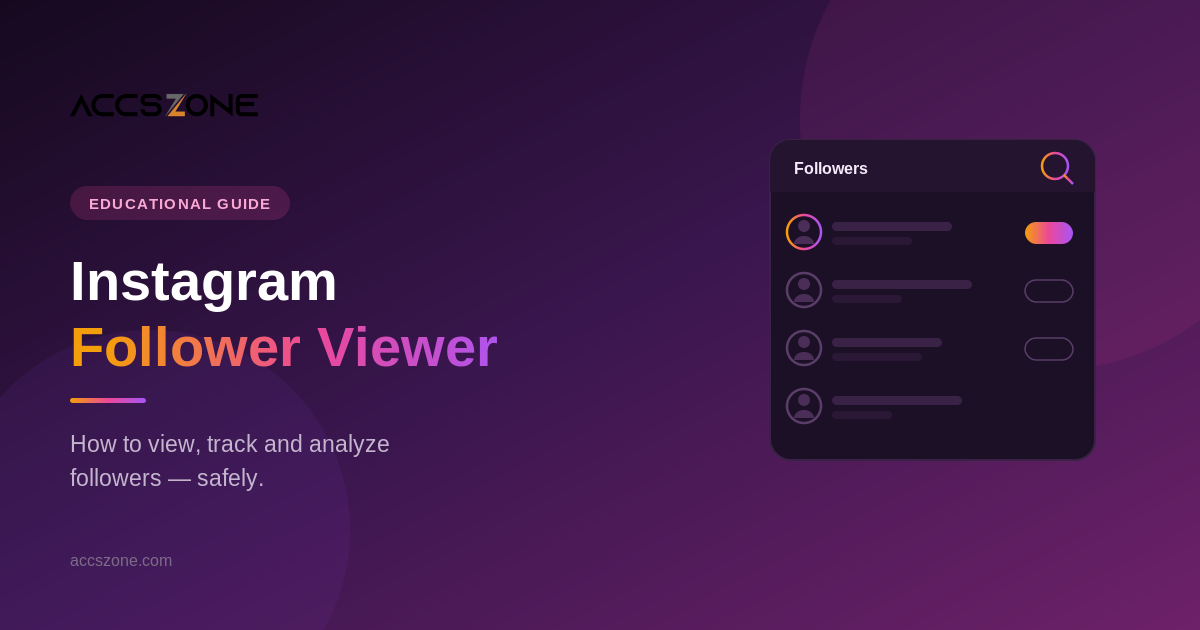
Instagram Follower Viewer: How to View & Track Followers Safely
Short answer: An Instagram follower viewer lets you see and analyze a follower list — your own or a public account's. You can view your own followers directly in the Instagram app, but to track changes (who followed or unfollowed you) you need a third-party tool, because Instagram has no built-in unfollower feature. The catch: many of these tools are unsafe. Never use one that asks for your Instagram password — the safe ones use official login or work read-only.
Searching for an "Instagram follower viewer" usually means one of a few things: you want to see your followers, see someone else's, or track who's been following and unfollowing you over time. This guide covers all of it — how to do each safely, how the tracker tools actually work, and how to spot the dangerous ones that are really after your login.
What Is an Instagram Follower Viewer?
"Instagram follower viewer" is a catch-all term for any tool or method that lets you look at a follower list and, often, analyze it. In practice it covers three different jobs:
- Viewing your own followers — which Instagram lets you do natively.
- Viewing a public account's followers — also possible in the app, with limits.
- Tracking changes over time — who gained you, who unfollowed you, ghost followers. This is what most third-party "viewer" tools actually sell, and it's the part Instagram doesn't offer.
How to View Your Own Followers on Instagram
No tool needed. In the Instagram app:
- Open your profile and tap Followers at the top.
- Scroll the list, or use the search bar at the top of it to find a specific person.
- Tap Following instead to see accounts you follow.
Instagram no longer sorts this list purely alphabetically — it's ordered by an internal relevance signal, with a "Least interacted with" and "Most shown in feed" category available in some regions under the Following list. That's the closest native equivalent to "analytics."
How to View Someone Else's Followers
You can view the follower list of any public account by opening their profile and tapping Followers. For private accounts, you can only see followers if the account has accepted you. No legitimate tool can bypass this — anything claiming to show a private account's followers is a scam.
How to See Recent Followers (Who Just Followed You)
Instagram shows your most recent followers at the top of your Followers list by default, so the newest are usually first. You'll also get a notification when someone follows you (check the heart / Activity tab). For a precise history of when each person followed, you'll need a tracker — covered next.
How to Track Who Unfollowed You
This is the feature people most want, and the reason the "follower viewer" tool market exists. Instagram deliberately does not tell you who unfollowed you. Third-party trackers get around this with a simple mechanism.

How follower trackers detect unfollowers — by comparing snapshots over time.
Because there's no live "unfollow" signal, a tracker takes a snapshot of your follower list, then compares it against a later snapshot and reports the difference. That means two things worth knowing: it can only detect changes from the moment you start using it (not in the past), and its accuracy depends on how it accesses your data.
Can You View Instagram Followers Anonymously or Without an Account?
Partly. You can view a public account's profile and follower count on the web without logging in, but Instagram now limits how much of the actual follower list you can browse without an account. Tools that claim to show full follower lists "anonymously and without login" are almost always either fake, or harvesting data in ways that violate Instagram's terms. There is no safe, reliable way to view a private account's followers anonymously — full stop.
Are Follower Viewer Tools Safe?
This is the part that matters most, because the "Instagram follower viewer" space is full of tools designed to steal your login. Here's how to tell the safe ones from the dangerous ones.

The single biggest red flag: any tool that asks you to type your Instagram password into its own website.
The one rule that protects you: never enter your Instagram username and password into a third-party follower-viewer website. A safe tool either signs you in through Instagram's own official login screen, or works only on your already-logged-in session on your device. The moment a site asks for your password directly, assume it will be stolen — that's how accounts get hijacked, and a hijacked account is far worse than not knowing who unfollowed you.
Two other instant red flags: any tool promising to show "who viewed your profile" (Instagram doesn't expose that data to anyone, so the feature is impossible and the tool is lying), and any tool that wants permission to follow, unfollow, or like on your behalf — that's automation, and it can get your account suspended.
How to Choose a Safe Follower Viewer
- No password on their site. Official login only, or read-only on your own session.
- Read-only. If it can act on your account (follow/like), walk away.
- Real company behind it. A name, a privacy policy, and reviews — not an anonymous ad-covered page.
- No impossible promises. "See who viewed your profile" and "view private accounts" are both fake.
- Free basics are fine; be wary of "pay to unlock the full list." That's a common bait pattern.
Protecting your login matters because a compromised account is the hardest problem to fix on Instagram. If you run multiple profiles or care about keeping accounts secure long-term, our guide to managing multiple accounts safely covers the security setup in detail.
Frequently Asked Questions
Can I see who unfollowed me on Instagram?
Not through Instagram itself — it has no built-in unfollower feature. A third-party tracker can show you, but only for changes that happen after you start using it, by comparing snapshots of your follower list over time.
Can I view a private account's followers?
Only if that private account has accepted you as a follower. No legitimate tool can reveal a private account's followers, and any tool claiming to is a scam.
Are Instagram follower viewer apps safe?
Some are, many aren't. The safe ones never ask for your Instagram password and work read-only. Avoid any tool that asks you to enter your password on its site, promises to show who viewed your profile, or wants to follow and like on your behalf.
Can I see who viewed my Instagram profile?
No. Instagram does not provide profile-view data for personal accounts to anyone, so any tool claiming to show "who viewed your profile" is fake and usually a way to harvest your login.
How do I view my followers without an app?
You can view a public account's profile and follower count in a web browser without logging in, but Instagram limits how much of the full follower list you can browse without an account. Viewing your own complete list is easiest inside the Instagram app.
Do follower viewer tools get you banned?
Read-only viewers generally don't, but tools that automate actions — auto-follow, auto-like, mass DM — can trigger a suspension. Anything that acts on your account rather than just reading it is a risk.
About the author
Daniel Mercer leads marketplace operations at AccsZone, a digital-account marketplace operating since 2023. He works with account security, platform behavior and multi-account infrastructure every day, and writes practical, evidence-based guides to help people use social platforms safely.