Buy Google Ads accounts from a short catalogue where every listing title states what you get: an Ads Manager that is verified, billing info already complete, the region the account is verified for — the Asia region or the United Arab Emirates — and a ready-to-use status; the UAE listing adds that you add a new card and remove the old one. Each Google Ads account for sale here shows its price and stock live, and the listing page states the delivered line format. Pay in crypto and the login details appear in your dashboard automatically; if you buy a Google Ads account that fails before your first login, it is covered by the 24-hour replacement policy.
Google Ads accounts for sale: what the one account type covers
All Google Ads listings on AccsZone sit in a single sub-category. Open it, then compare the two listings by the verification region in the title and by the card wording on the UAE listing; the listing title is the specification, and the listing page shows the exact line format for that product.
Google Ads accounts (all listings)
Two listings, both titles stating Google Ads Account, Ads Manager Verified, Billing Info Complete and Ready to Use. They differ by the verification region — one Asia Region Verified, one United Arab Emirates account stated as AE Verified — and the UAE listing also states New Card Add and Remove Old Card, meaning the title expects you to attach your own card and remove the one on file. Both listing pages state one verified Ads Manager inside the business account and full access to the registration mailbox; the Asia listing page states the line format Login Mail : Password : Backup Email : 2FA Key, the UAE listing page Gmail : Password : 2FA Key. No title states a spend history, an account age, an ad balance, a threshold or an agency account, so read the product page before ordering.
Delivery is automatic: as soon as your crypto payment confirms and the order is placed, the login details are released to your AccsZone dashboard. Open My Orders, click View and download the file; save it when it arrives.
Account format
The Google Ads help article documents the category format as a .txt file, one account per line, Email | Password | Account ID | Cookie, with the cookies as JSON so you can restore the browser session instead of typing the password. Each listing page then shows the exact line for that product, and the two current listing pages state a shorter line: Login Mail : Password : Backup Email : 2FA Key on the Asia region listing and Gmail : Password : 2FA Key on the UAE listing — so expect the mailbox login and a 2FA key, and treat cookies and an account ID as included only where your listing page says so. Where a 2FA key is delivered you generate the codes yourself. The help article states that the ad balance or threshold, whether a Business Manager is included, the IP country and the 2FA status all vary by listing and are given in the product specifications. What the titles state: Ads Manager verified, billing info complete, the verification region (Asia region or United Arab Emirates) and ready to use; the UAE listing states New Card Add and Remove Old Card. If you want to buy verified Google Ads accounts, this is what "verified" means on this page: the Ads Manager and the regional business verification stated in the title, not a spend history, an account age or an ad balance, none of which any title states. Read the title and the listing page before ordering.
How to log in
Open a fresh antidetect-browser profile for each account rather than your personal Chrome or any regular browser, so cookies and fingerprints never mix between accounts; the help article names AdsPower, BitBrowser and GoLogin as partner browsers.
Connect a residential proxy from the account's verification region before you open ads.google.com — an IP from the Asia region for the Asia listing, a United Arab Emirates IP for the UAE listing; the listing title names the region and both listing pages ask for a static residential proxy from it. Mobile proxies are sold on AccsZone. The help article states that a mismatched location triggers a suspension and voids replacement eligibility.
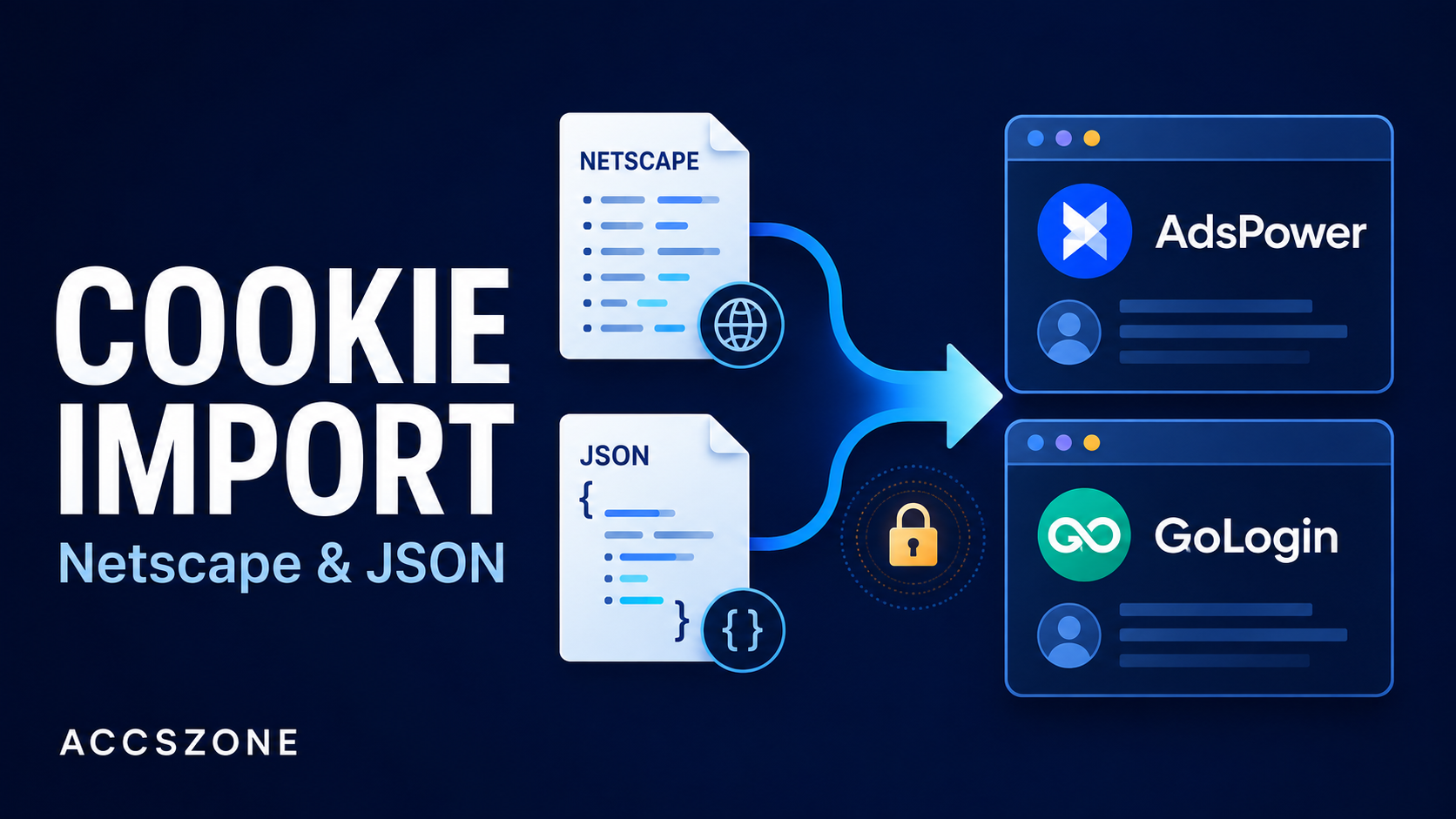
Open the registration mailbox first, then sign in. Both listing pages state that the registration mailbox is included with full access and ask you to open it first to collect any location or browser confirmation code Google sends. If your file also carries JSON cookies, paste them into a cookie-editor extension such as EditThisCookie and reload ads.google.com to restore the session; otherwise sign in with the email and password from the same line.
Enter the 2FA code from the delivered key. Paste the 2FA key from your file into 2fagen.com and type the six-digit code before it refreshes. The help article says to use only the provided seed key where 2FA is included.
Warm up for one to two days, then secure the account. Do not launch campaigns straight after login: browse the Google Ads dashboard, review any existing campaigns, check that the billing info is intact and start with a small test campaign. Once the account is stable, change the password and update the recovery email and phone to ones you control; the help article says not to link a new payment method until the account is fully warmed up, and on the UAE listing whose title states New Card Add and Remove Old Card, that card change is part of the setup the title describes.
Replacement policy in plain words
Covered. An account that is dead on arrival (cannot log in), or the wrong account type or balance delivered — for example an Asia-region account instead of the UAE listing — is replaced or refunded.
The window. Report it within 24 hours of purchase; reports after that are not eligible.
Refund form. Store credit on your AccsZone balance.
Not covered. An account suspended after you change the password, banned after running ads that violate Google's policies, used without a matching residential proxy, linked to a new payment method too early, or reported after 24 hours.
How to claim. Log in, open My Orders, find the order and click Open Support Ticket; include the order ID and a screenshot showing the issue. Support reviews within 24 hours; do not keep retrying the login while the claim is open.
Payment is by cryptocurrency — Bitcoin, USDT, Ethereum, Litecoin and other major coins — through your account balance; once the network confirms the deposit (typically 10–30 minutes) the order is delivered automatically. Card payments are not accepted. Orders of 500+ accounts receive a 5 % discount and orders of 2,000+ accounts a 10 % discount, applied automatically per product.
Support runs 24/7 on the live chat at accszone.com; Telegram @accszone1 handles custom bulk orders and API access, and resellers and media-buying teams can integrate through the AccsZone API.
Frequently asked questions
Where can I buy Google Ads accounts?
On this page. Open the Google Ads accounts sub-category, pick the listing whose title names the verification region you need — the Asia region or the United Arab Emirates — set the quantity and pay from your crypto balance. The login details appear in your dashboard automatically when the payment confirms.
Is it legal to buy Google Ads accounts?
Google's Ads terms tie the account to the advertiser who accepted them and do not allow it to be transferred to or shared with a third party, and Google can suspend an account for a terms or policy violation at any time — so a purchased Google Ads account breaches those terms and can be suspended. Whether buying one is lawful for you depends on your country and on what you use it for; this is not legal advice. AccsZone's Terms & Conditions prohibit using any account for illegal activity, spam or circumventing platform policies.
How much does a Google Ads account cost?
Every listing on this page shows its current price and stock, so you see the price before you pay. The two listings are priced individually; what differs between them is the verification region stated in the title and, on the UAE listing, the New Card Add and Remove Old Card wording.
Can I buy a verified Google Ads account here, and what does "verified" mean?
Yes — both titles state Ads Manager Verified and a regional verification (Asia Region Verified or AE Verified), and both state Billing Info Complete, meaning the billing information in the account has already been filled in. The listing pages add one verified Ads Manager inside the business account and full access to the registration mailbox. Neither phrase states a spend history or an ad balance; the help article says the ad balance or threshold varies by listing and is given in the product specifications.
Which countries are the Google Ads accounts verified for?
The current titles state Asia Region Verified and, on the United Arab Emirates listing, AE Verified. Log in through a residential proxy from the same region, because the help article states that a mismatched location triggers a suspension and voids replacement eligibility. No current title states a USA or UK verification; if one is added it will appear in the sub-category with its own title.
What is included with a Google Ads account?
The login details in the line format shown on the listing page — Login Mail : Password : Backup Email : 2FA Key on the Asia region listing, Gmail : Password : 2FA Key on the UAE listing — plus the registration mailbox with full access, which both listing pages state. The help article documents the category format Email | Password | Account ID | Cookie with cookies in JSON, so treat cookies and an account ID as included only where your listing page says so. Whether a Business Manager, an ad balance or 2FA is included varies by listing, so read the listing page before ordering.
Do you sell aged, threshold or agency Google Ads accounts?
No title on this page states an account age, a spend history, an ad balance, a threshold or an agency (manager/MCC) structure, so none is promised here: if you want to buy an aged Google Ads account, a threshold account or a Google Ads agency account with client sub-accounts, nothing currently listed is described that way — what the titles and listing pages state is one verified Ads Manager inside a business account with billing info complete, and you should ask the live chat with the listing name rather than assume more. The help article says the ad balance or threshold varies by listing and points you to the product specifications on the listing page; if the listing page does not state one, assume none.
How fast is delivery?
Automatic. In-stock accounts are released to your dashboard as soon as the crypto payment confirms and the order is placed; confirmations usually take 10–30 minutes.
What if the account does not work?
If it cannot be logged into, or the wrong account type or balance was delivered, report it within 24 hours of purchase through Open Support Ticket on the order, with your order ID and a screenshot, and it will be replaced or refunded as store credit. Problems after you have logged in — password changes, policy-violating ads, no matching proxy, a new payment method linked too early — are not covered. Full table in the Google Ads help article.
Do I need a proxy for a Google Ads account?
Yes. Use a residential proxy from the region the account is verified for, inside a dedicated antidetect-browser profile, before opening ads.google.com, and keep that location afterwards. Mobile proxies are sold on AccsZone. No proxy or a mismatched location is listed as not covered in the replacement policy.