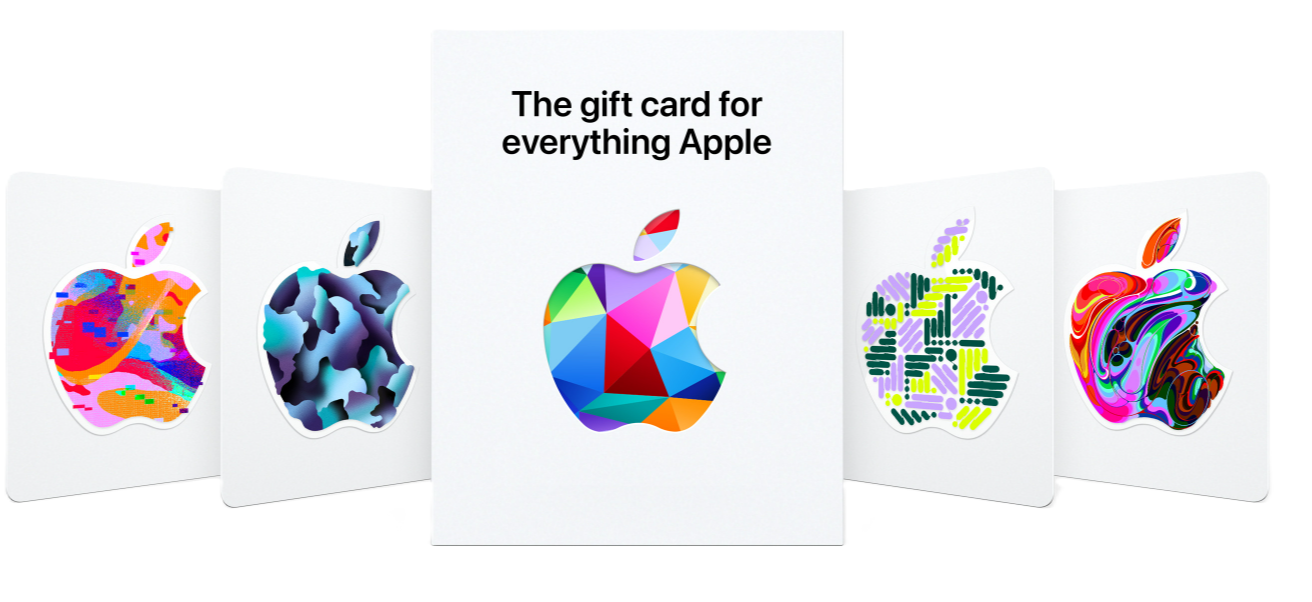
Buy Apple gift cards online from one sub-category of digital codes. Every listing title states the balance and the region: Apple Gift Card codes with a 5, 10, 20, 50, 100 or 200 USD balance, each delivered as a digital code only and usable on a USA-region Apple account. The listing pages add that the code works on the App Store, iTunes and Apple services and is redeemed at apple.com/redeem or inside the App Store. Prices and stock are shown live on each listing. Pay in crypto and the code appears in your dashboard; note that under the after-sale policy gift cards carry no warranty, so check that your Apple account's region is the United States before you buy. Apple ID accounts are a separate category: Apple ID accounts.
AccsZone keeps all Apple gift cards in a single sub-category. Open it, then compare the live listings inside; the listing title — balance and region — is the specification of what you receive, and the listing page shows the redemption route for that code.
Apple gift cards (USA-region USD codes)
Six listings in one region, read from the titles. Each is an Apple Gift Card digital code with a stated balance of 5, 10, 20, 50, 100 or 200 USD, usable on USA-region Apple accounts and delivered after purchase. Every title says the same about the format: digital code only, no physical card. The listing pages add that the code works on the App Store, iTunes and Apple services — apps, games, music, movies and iCloud storage — that it is redeemed at apple.com/redeem or through Redeem Gift Card or Code in the App Store, that it is valid only for a US-region Apple account, and that it is non-refundable, non-exchangeable and not redeemable for cash or at Apple physical stores. No other region, currency or balance is on sale.
Delivery is automatic. When your crypto payment confirms and the order is placed, the gift card code is released to your AccsZone dashboard without a manual step. Open My Orders, click View on the order and copy the code somewhere you will not lose it, because the listing pages state that the code is non-refundable and non-exchangeable and the after-sale article states that gift cards carry no warranty.
Reading an Apple gift card listing
No separate help-center article exists for Apple gift cards, so the format is the one stated in each title and on each listing page. A listing delivers one Apple Gift Card code per unit with the balance named in the title — 5, 10, 20, 50, 100 or 200 USD. The title says "digital code only" and names the region the code is usable on (USA), so no physical card is shipped and the code works only on a US-region Apple account. The listing pages describe the code as redeemable at apple.com/redeem or in the App Store, usable on the App Store, iTunes and Apple services for apps, games, music, movies and iCloud storage, and issued by Apple Value Services, LLC. Nothing in the titles states an Apple ID, a login or any balance other than the one named, so do not expect those; Apple ID accounts are listed in the Apple ID category. Compare titles before you compare prices.
How to redeem an Apple gift card code
Check the region before you redeem. Every title states that the code is usable on USA-region accounts, and the listing pages say it must be used with a valid US-region Apple account. Open Settings on your device (or the App Store account page) and confirm that the country or region of the Apple account you will redeem into is the United States; gift cards carry no warranty, so confirm this before you buy, not after.
Redeem in the App Store or iTunes. The listing pages give this route: open the App Store (or iTunes on a Windows PC), tap or click your profile icon, choose Redeem Gift Card or Code, enter the code from your dashboard and confirm. The balance named in the title is added to that Apple account's balance.
Or redeem on the web. The pages give a second route: visit apple.com/redeem, sign in with the US-region Apple account and enter the same code. The same balance is added to the signed-in account.
Spend the balance in Apple's stores. The listing pages state that the balance works on the App Store, iTunes and Apple services — apps, games, music, movies and iCloud storage. The code is not redeemable for cash or at Apple physical stores and cannot be exchanged, as the pages state, so it is spent only inside Apple's digital stores on the account it was redeemed to.
If you redeem into a purchased Apple ID, open it correctly first. A gift card code itself needs no proxy. But if the account you redeem into was bought separately, sign in to it through a mobile or residential proxy from its registration country in a dedicated browser profile or on a clean device (mobile proxies are available on AccsZone), and generate any 2FA code with the supplied secret key at 2fagen.com; a first login from the wrong country is the usual trigger for a verification request, and a code redeemed into a locked account is still spent.
After-sale policy for gift cards in plain words
What you can rely on. The balance and the region named in the title: the listing pages state that the balance in the title is added on redemption to a US-region Apple account, and that the code arrives as a digital code only. Check your Apple account's region before you buy rather than after.
No claim window. The 24-hour pre-login replacement window that applies to accounts does not apply here; the after-sale article lists gift cards separately as a product group with no warranty.
No refund form. The listing pages state that every code is non-refundable and non-exchangeable after purchase and is not redeemable for cash, and the after-sale article states that gift card purchases are final.
Not covered. The after-sale article states that no warranty is provided for gift cards: no replacement or refund is provided under any circumstances, including a code redeemed on an Apple account of the wrong region.
If something looks wrong. Contact support on the live chat with the order ID and a screenshot of the redeem screen as soon as you see the problem; keep the code private and do not share it anywhere else while you wait.
Checkout is in cryptocurrency (Bitcoin, USDT, Ethereum, Litecoin and other major coins): top up your balance, and when the network confirms the deposit — usually 10–30 minutes — the order is delivered automatically. Cards are not accepted, which is also how you buy an Apple gift card with crypto or Bitcoin here. Orders of 500+ accounts receive a 5 % discount and orders of 2,000+ accounts a 10 % discount, applied automatically per product.
The live chat on accszone.com is staffed 24/7; for custom bulk orders or API questions use Telegram @accszone1. Resellers can order through the AccsZone API.
Frequently asked questions
Where can I buy an Apple gift card online?
On this page. Open the gift-card sub-category, pick the listing whose title names the balance you need — 5, 10, 20, 50, 100 or 200 USD, all USA region — set the quantity and pay from your crypto balance. The code appears in your dashboard automatically when the payment confirms, usually within 10–30 minutes.
Is it legal to buy Apple gift cards?
Yes, gift cards are legal to buy; the limit is Apple's own terms, which lock each card to the storefront region it was issued for, so a USA code works only on a US-region Apple account. Whether a particular use of the balance is lawful for you depends on your country and on what you buy with it; this is not legal advice. AccsZone's Terms & Conditions prohibit using any product for illegal activity, spam or circumventing platform policies.
Which Apple gift cards are on sale?
Six digital codes in one region, as the titles state: USA-region Apple Gift Cards with 5, 10, 20, 50, 100 and 200 USD balances. No other region, currency or balance is listed; if a different one appears later, its title will say so.
How do I redeem an Apple gift card code?
The listing pages describe two routes. In the App Store (or iTunes on a PC), tap your profile icon, choose Redeem Gift Card or Code, enter the code and confirm. On the web, visit apple.com/redeem, sign in with the US-region Apple account and enter the same code. The balance named in the title is added to the signed-in account's Apple balance.
Can I use a USA Apple gift card on an account from another country?
No. Every title states that the code is usable on USA-region accounts, and the listing pages say it must be used with a valid US-region Apple account. Gift cards carry no warranty under the after-sale policy and the codes are non-refundable, so check the country or region of your Apple account before you buy.
What exactly is delivered with an Apple gift card?
One Apple Gift Card code per unit, delivered as a digital code only — no physical card is shipped, as every title states. The balance is the one in the title (5 to 200 USD) and the region is USA. No Apple ID, login or other balance is stated, so expect none; Apple ID accounts are a separate category.
What can the balance be spent on?
The listing pages state that the balance works on the App Store, iTunes and Apple services — apps, games, music, movies and iCloud storage. The code is not redeemable for cash or at Apple physical stores and cannot be exchanged, so it is spent only inside Apple's digital stores on the account it was redeemed to.
How much does an Apple gift card cost?
Every listing on this page shows its current price and stock, so you see the price before you pay. The price follows the balance in the title — 5, 10, 20, 50, 100 or 200 USD, all USA region. Compare the listings rather than relying on a quoted figure.
Can I buy an Apple gift card with crypto or Bitcoin?
Yes, and it is the only way to pay here: checkout is in cryptocurrency (Bitcoin, USDT, Ethereum, Litecoin and other major coins). Top up your AccsZone balance, order the listing, and when the network confirms the deposit the code is released to your dashboard. Cards and bank transfers are not accepted.
What if the code does not work?
The after-sale article states that no warranty is provided for gift cards — purchases are final and no replacement or refund is provided — and the listing pages state that the codes are non-refundable and non-exchangeable. First confirm that your Apple account's region is the United States; if the code still looks wrong, contact live chat with the order ID and a screenshot of the redeem screen as soon as you see the problem. See the after-sale service article.