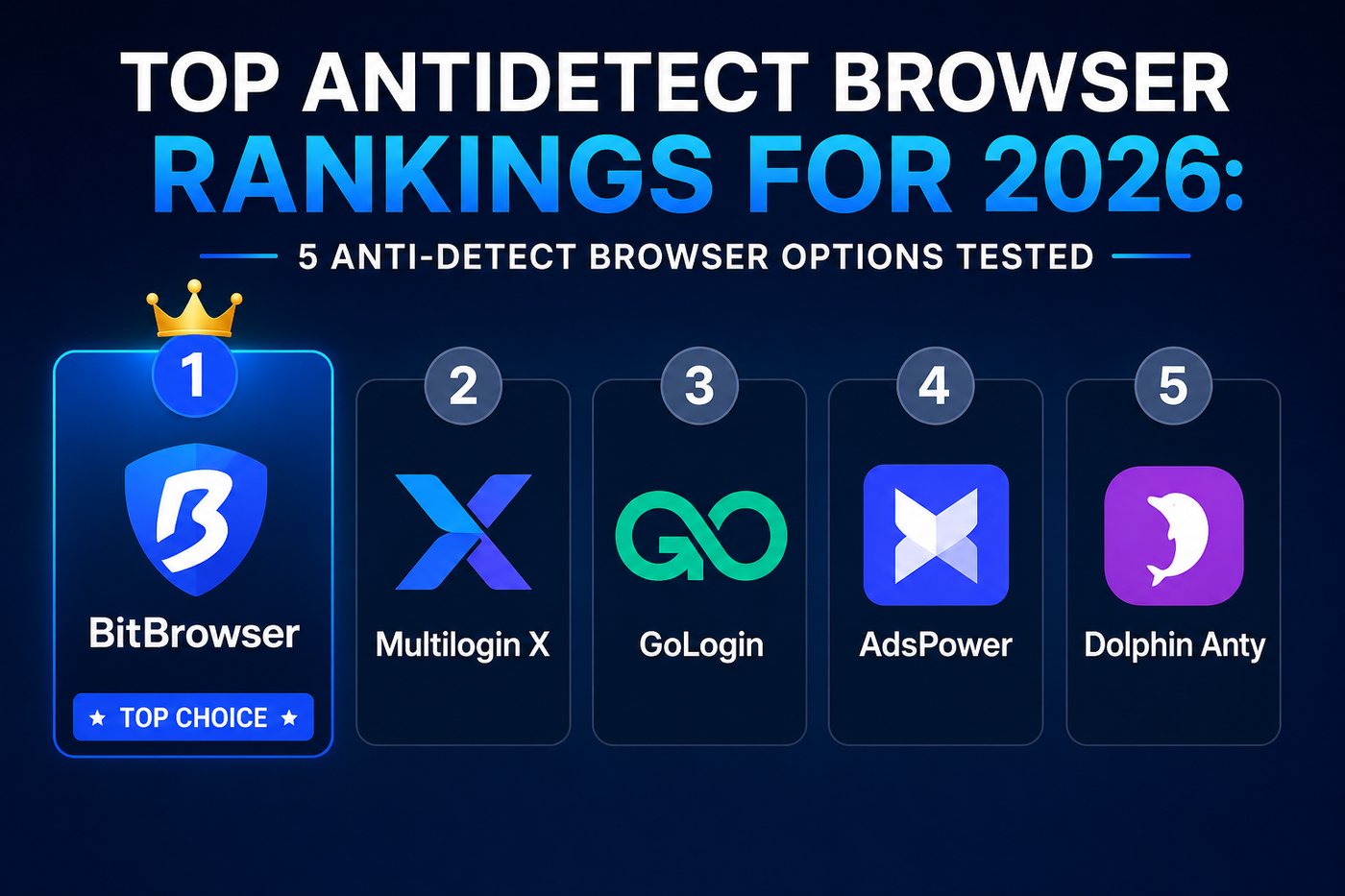
Top Antidetect Browser Rankings for 2026: 5 Anti-Detect Browser Options Tested
Five antidetect browsers, twelve months, real account work: Facebook ad managers, Instagram client logins, Amazon seller accounts, crypto wallet sessions. That's the testing base behind this ranking.
Prices across the market now run from free to €399 a month, and the buyer base has shifted far past the affiliate crowd that built this category. E-commerce sellers, social agencies, QA teams, and crypto traders all rely on some form of anti detect browser to keep dozens of accounts from getting fingerprinted and linked together.
Five tools made the cut here, judged on fingerprint accuracy, how much you get for free, automation depth, pricing once you scale past a handful of profiles, and whether the vendor has a real answer for mobile platforms.
- 60+ profiles active at any given point
- Split across 3 ad accounts, 2 Amazon storefronts, several crypto wallets
- Only 2 accounts flagged — both traced to proxy issues, not the browser
That distinction matters once you get into why fingerprint spoofing alone was never meant to carry the whole job.
BitBrowser

Ten profiles, free, permanently. That's the number that puts BitBrowser at the top of this list. Most competitors cap free accounts at two to five profiles and lock API access behind a paid tier; BitBrowser's free plan includes full API access plus a built-in RPA builder for automating repetitive account tasks.
Each profile runs on either a Chromium or Firefox engine and carries its own fingerprint (canvas, WebGL, fonts, timezone, screen resolution, audio context), its own cookies, and its own proxy. Everything is stored locally by default, so profile data sits on your machine rather than a vendor's cloud.
The local API works on the free tier too, with support for Selenium, Puppeteer, and Playwright, and there's a script marketplace where users share ready-made automation templates.
It isn't friction-free. Moving profiles between two machines still means exporting and reimporting by hand. Team permission features are thinner than what Multilogin or Octo offer. And because the product started in the Chinese market, a handful of menu labels still read slightly awkward in English, though that's improved a lot over the past year.
Multilogin X

Multilogin has been in this space since 2015, and its fingerprint engine is still the one competitors get measured against. Two browser cores run under the hood: Mimic, built on Chromium, and Stealthfox, built on Firefox. Both consistently get past detection systems like DataDome and Cloudflare Turnstile in testing.
WebGPU spoofing is now part of the platform, closing a fingerprinting gap that most rivals haven't addressed yet. Team tooling is mature too: role-based permissions, audit logs, structured profile sharing across departments.
GoLogin

$24 a month buys 100 profiles here, with 3 available free. GoLogin's main pitch is its cloud browser mode: profiles run on GoLogin's own servers instead of your laptop, which matters if you're trying to keep 30 windows open at once on modest hardware.
It also ships a full Android app and a browser-based version usable from any device, plus built-in proxies across 100+ countries, residential and mobile, useful if you'd rather not source proxies separately.
AdsPower

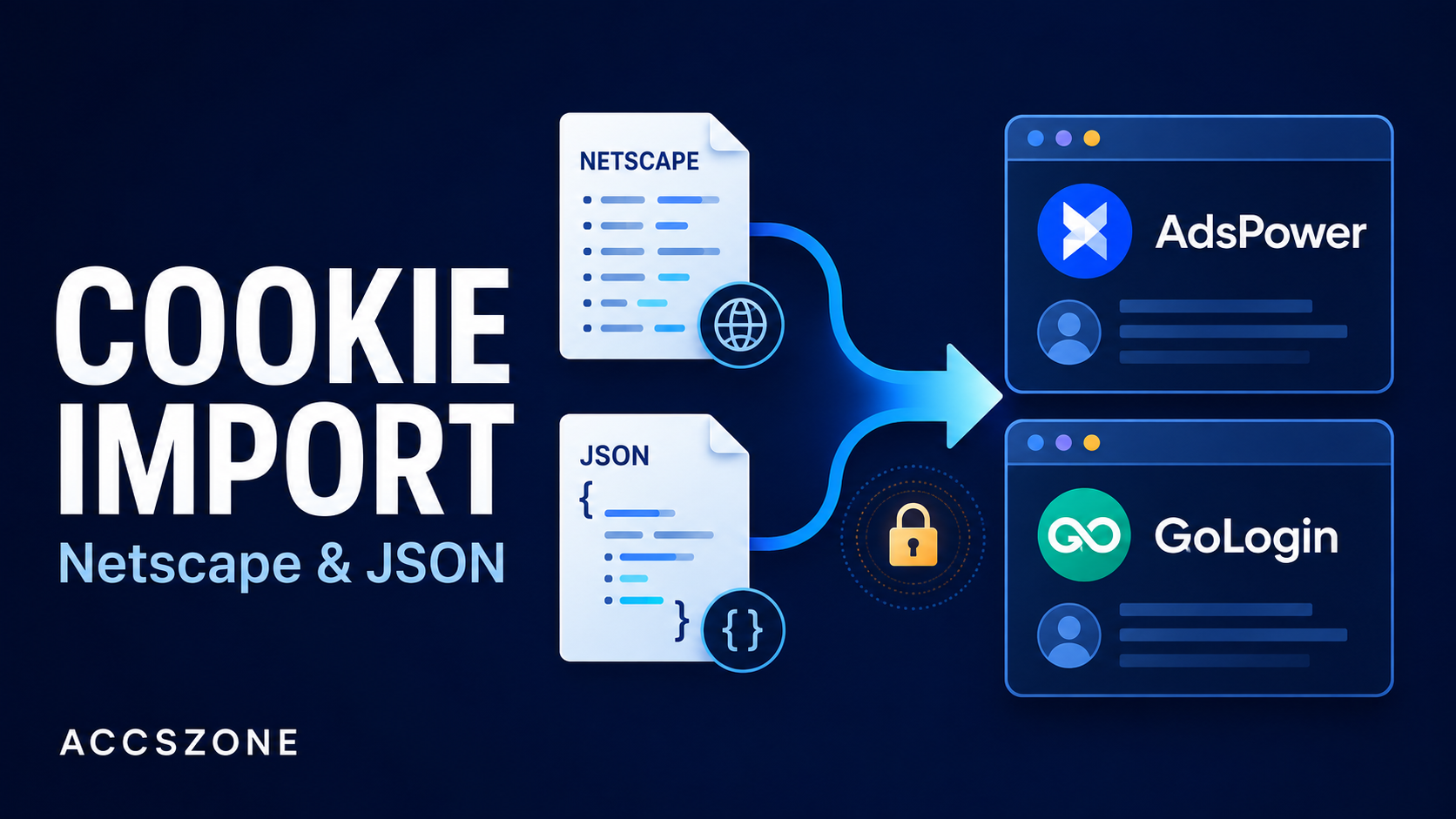
AdsPower now counts more than 9 million users, the largest base of any antidetect browser on this list. It runs dual engines, SunBrowser (Chromium) and FlowerBrowser (Firefox), plus a no-code RPA builder that records clicks and replays them across profiles. Free accounts get 5 profiles; paid plans start at $9 a month.
A newer AI warm-up feature handles auto-scrolling, auto-liking, and auto-commenting, which actually helps age accounts before you throw ad spend at them. Importing profiles from Dolphin Anty, GoLogin, or Multilogin is straightforward too, so switching in isn't a rebuild from scratch.
Dolphin Anty

Dolphin Anty was built for affiliate marketers by affiliate marketers, and the workflow shows it. Spinning up 50 randomized profiles takes minutes. Built-in session timers track account farming time, and a synchronizer mirrors mouse and keyboard input across multiple open windows at once. Native Facebook CAPI integration skips the manual event setup most other tools require.
Pricing: 10 profiles free, Starter at $10 a month for 60 profiles, Base at $89 for 100.
Where each one wins
| Category | Winner |
|---|---|
| Most generous free tier | BitBrowser & Dolphin Anty (10 profiles each) |
| Cheapest paid entry | AdsPower ($9/month) |
| Raw fingerprint quality | BitBrowser & Multilogin X |
| Mobile & cloud-phone | BitBrowser (nobody comes close) |
| No-code automation | AdsPower |
| Enterprise-scale teams | Multilogin X |
Common questions about antidetect browsers
What's the best antidetect browser overall in 2026?
BitBrowser edges out the group on value, pairing a generous free plan with real mobile support through BitCloudPhone. Multilogin X wins on raw fingerprint depth if budget isn't a constraint, and AdsPower takes it for teams that want automation without touching code.
Is BitBrowser safe to use for client accounts?
Profile data stays local by default instead of sitting on a remote server, which matters when you're handling someone else's login credentials. That local-first setup is one reason agencies keep choosing it over cloud-only competitors.
Do I still need proxies with an anti detect browser?
Yes. None of the five tools here replace a proxy. Residential or ISP proxies, one per profile, are what separates accounts at the network level; the browser only handles the device fingerprint.
What actually decides the outcome
The browser is only half the job. Pair any of these five with weak proxies and accounts still get flagged. Residential or ISP proxies, assigned one per profile, aren't optional for serious multi-account work.
None of these tools promise zero bans, either. What they do is break the fingerprint link between accounts so a platform can't tie them to one device. Login timing, behavioral patterns, content quality, and proxy quality are still on you.
For most people comparing a top antidetect browser against another, it comes down to three numbers: how many profiles you need, whether mobile-native accounts matter, and what you're willing to spend monthly. Under 100 profiles, mobile in the mix, budget under $20 a month? BitBrowser is the clearest fit on this list right now.
Whichever tool you pick, aged and warmed-up accounts still outperform freshly created ones on any platform. Browse verified stock at Facebook accounts, Instagram accounts, Gmail accounts, or Google Ads accounts — all delivered with a replacement warranty.