How to Farm Facebook Accounts Safely in 2026: Complete Setup Guide
Facebook account farming is one of the most skill-dependent operations in digital marketing in 2026. Get it right and you'll have a reliable supply of long-lived accounts for ad campaigns, business pages, and social media operations. Get it wrong — by using fresh accounts, sharing proxies, or skipping the warm-up — and you'll burn through accounts faster than you can replace them.
This guide covers the exact setup that professional account farmers use in 2026: the right tools, the correct order of operations, the safe proxy ratios, and the warm-up schedule that separates accounts that last a week from accounts that survive a year. Whether you're a media buyer, affiliate marketer, or social media agency, everything you need is here.
Why Aged Accounts Are the Non-Negotiable Starting Point
Before you touch a proxy or install any browser, understand this: Facebook assigns every account an internal trust score. This score is built from account age, login history, phone verification, connected email, and activity patterns over time. The higher the score, the more freedom the account has — and the less likely it is to trigger bans.
A fresh account created today starts at zero trust. It immediately faces strict limits — friend requests capped at 5–10 per day, group joins blocked after 2–3 in the first week, ad accounts frequently disabled on creation. These aren't temporary hurdles. They are weeks-long probation periods designed to catch fake accounts.
An aged Facebook account from 2020 arrives with years of login history, existing friends, old posts, and a verified phone number from its original registration. It skips the probation period entirely and starts from a position that a fresh account takes months to reach. This is why every professional setup starts with aged accounts — not proxies, not browsers.
The 3 Tools Every Safe Facebook Farming Setup Needs
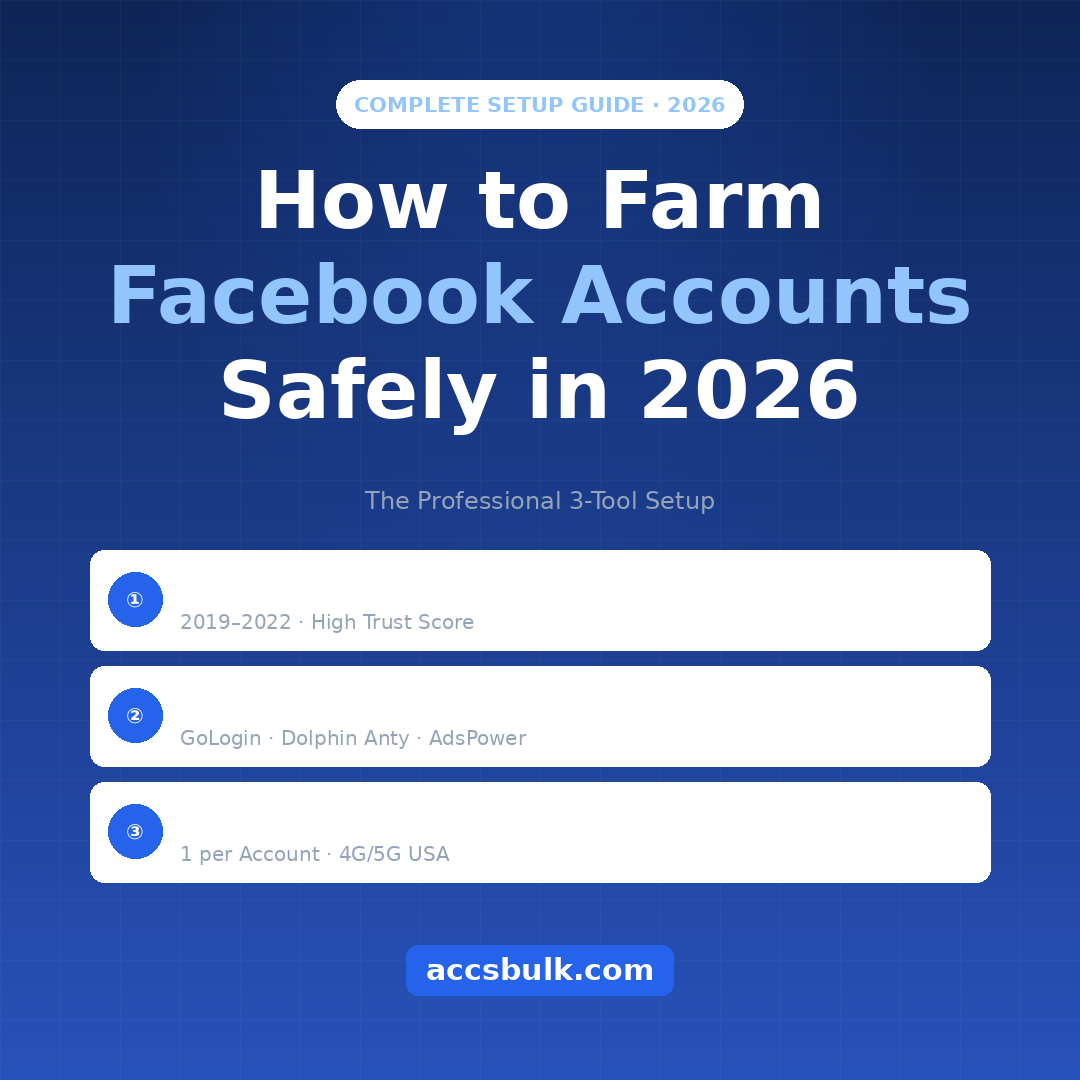
These three tools each solve a different part of Facebook's multi-accounting detection. You need all three — removing any one breaks the entire operation.
Aged Facebook Accounts — Your Foundation
This is where most beginners cut corners and pay for it later. Fresh accounts get flagged within 24–48 hours of any non-standard activity. Aged accounts from 2019–2022 carry years of trust that cannot be artificially replicated. They are the difference between an operation that runs for months and one that collapses in a week.
What to look for when buying aged Facebook accounts:
- Registration date 2019–2022 — best trust-to-availability balance in 2026
- Phone verified (PVA) with a real mobile number
- USA IP registration for USA-based campaigns
- Cookies file included — enables session import (far less suspicious than a fresh password login)
- Instant automated delivery — start your setup the same day
Antidetect Browser — Isolate Every Account's Fingerprint
Facebook doesn't track you by IP alone. It reads your browser fingerprint — a combination of your operating system, screen resolution, installed fonts, timezone, language, and dozens of other device signals. If two Facebook accounts share the same browser fingerprint, Facebook links them immediately, regardless of their IP addresses.
An antidetect browser creates completely isolated browser profiles, each with its own unique fingerprint. To Facebook, every profile looks like a completely different device and user. You can manage 50 accounts from one machine and Facebook has no way to connect them — provided each profile has a different fingerprint and its own proxy.
Top antidetect browsers for Facebook farming in 2026:
- GoLogin — best all-round, from $49/month for 100 profiles, 3 profiles free to start
- Dolphin Anty — built specifically for Facebook ads, 10 free profiles with no time limit
- AdsPower — best for no-code automation, from $9/month, 5 profiles free
Mobile Proxy — Give Every Account Its Own IP Address
Even with a perfect antidetect browser setup, if two accounts share the same IP address Facebook will link them. Your proxy is the second isolation layer: it gives each account a unique IP that matches the account's registration country.
Mobile proxies (4G/5G) are the best choice for Facebook in 2026. They use IP addresses from real mobile carrier networks — the same networks billions of genuine Facebook users connect from every day — making them the hardest type for Facebook to block without affecting real users. Residential proxies are a reliable second option. Datacenter proxies must be avoided for Facebook entirely.
Proxy rules for Facebook farming:
- 1 dedicated proxy per Facebook account — never share between two accounts
- Proxy country must match the account's registration country
- Always use the same proxy for the same account — never swap mid-operation
- Mobile (4G/5G) proxies are best, residential is second, datacenter is a ban
Antidetect Browser Comparison for Facebook Farming
Here's how the main antidetect browsers compare on what actually matters for Facebook account farming:
💡 Pro Tip: Start with Dolphin Anty's free 10-profile plan to learn the setup without any cost, then scale to GoLogin or AdsPower once you're ready to run more accounts.
Step-by-Step Setup: The Exact Process in Order
Follow these five steps in sequence. The order matters — skipping steps or changing the sequence is the most common reason freshly bought aged accounts still get banned.
Buy Your Aged Facebook Accounts First
Before setting up anything else, get your accounts. They're your foundation — everything else is built around them. Buy aged Facebook accounts from AccsBulk choosing 2019–2022 registration dates. Each account should come with login credentials and a cookies file.
Take note of each account's registration country. This determines which country your proxies must be from. USA accounts need USA proxies — any mismatch triggers Facebook's suspicious login detection immediately.
Set Up Your Antidetect Browser — One Profile Per Account
Download and install GoLogin, Dolphin Anty, or AdsPower. Create one browser profile for every Facebook account. In each profile's settings, configure a unique fingerprint: different OS, screen resolution, timezone, and language matching the account's country.
If you have 20 accounts, create 20 separate browser profiles. Never open two Facebook accounts inside the same browser profile. That rule is the entire purpose of the antidetect browser — break it and the setup fails immediately.
Assign One Mobile Proxy to Each Browser Profile
Inside your antidetect browser, open each profile's proxy settings and assign one dedicated mobile proxy. The proxy country must match the account's registration country — USA account gets a USA proxy, UK account gets a UK proxy.
Once you assign a proxy to an account, keep it permanently. Use the same proxy, from the same location, for every session with that account. Consistency is what makes it look like a real person using their phone to log in.
Import Cookies and Log In for the First Time
If your accounts came with cookies (AccsBulk includes these), import the cookie file into each browser profile before entering a password. Cookies restore an existing session — far less suspicious than a fresh password login arriving from a new IP and device for the first time.
After cookies are imported and the account loads, scroll the news feed passively for 10–15 minutes. Don't change settings, add friends, or click on anything unusual. Just let Facebook observe a normal, passive browsing session from the new device and IP.
Follow the Warm-Up Schedule — Do Not Skip This
Even aged accounts need a warm-up period after a change of IP and device. Facebook's system notices when a known account suddenly appears from a completely different location and device. The warm-up period re-establishes behavioral trust before any heavy activity begins.
This is the most commonly skipped step — and the most common reason quality aged accounts still get banned in the first week. Don't run ads, create Business Managers, or add friends aggressively until you've completed the warm-up schedule below.
Safe Account-to-Proxy Ratios for Every Major Platform
Facebook isn't the only platform that farmers manage accounts for. Here are the safe proxy ratios for all major platforms in 2026, based on how aggressively each monitors shared IPs:
The Facebook Account Warm-Up Schedule
Follow this day-by-day schedule for every aged account after you take ownership. Any deviation — especially running ads or adding friends too early — significantly increases the ban risk even on quality aged accounts.
Passive Browsing Only
Log in once per day. Scroll the news feed for 10–15 minutes. Like 3–5 posts. Watch one video. Close the session. No profile changes, no friend requests, no business pages. The goal is simply to establish a login pattern from the new IP and device without triggering any alerts.
Light Engagement
Start commenting on 2–3 posts per session. Join one Facebook group. Browse Marketplace without listing anything. Update the profile photo or cover photo. Sessions can extend to 20–30 minutes. Still no friend requests, ads, or Business Manager.
Social Activity Begins
Send 3–5 friend requests per day to real-looking profiles. Post one status update. Join 1–2 more groups. Like brand pages. Sessions can now run 30–60 minutes. Still no ads or Business Manager creation — that comes next week.
Business Setup — No Ads Yet
Create a Facebook Business Manager. Add a page if needed. Set up ad accounts but do not run any ads yet. Continue daily social activity alongside the business setup. Adding 5–10 friends per day is safe at this stage.
Full Operation — Scale Gradually
Begin running ads at small daily budgets ($1–5/day) and scale slowly over the following weeks. Continue daily social activity to maintain the appearance of a real user. Accounts warmed up this way consistently survive 6–12+ months.
5 Mistakes That Get Facebook Accounts Banned Immediately
These are the most common errors that burn through accounts and money in the first days. Each one alone is enough to cause bans — even with quality aged accounts from a trusted supplier.
- Using fresh accounts instead of aged ones. Fresh accounts created today face immediate surveillance, strict activity limits, and disabled ad accounts before you've done anything meaningful. Always start with aged accounts carrying real trust history.
- Sharing one proxy between multiple Facebook accounts. Facebook's IP linking is aggressive. Two accounts on the same proxy are treated as connected — flag one and both are at risk. One proxy, one account. No exceptions, ever.
- Logging in from different countries in the same day. If an account connects from a USA IP in the morning and a different country in the afternoon, Facebook treats it as an account takeover and locks it immediately. Always use the same proxy, from the same location, every single session.
- Running ads before completing warm-up. Immediate ad activity on a newly taken-over account is one of the highest-risk behaviors Facebook monitors for. Wait at least 14 days of daily normal activity before running even a small ad.
- Using datacenter proxies for Facebook. Datacenter IPs are the IPs used by servers, bots, and scrapers. Facebook has massive datasets on which IP ranges belong to datacenters. Using them effectively announces that your activity is non-human. Mobile and residential proxies are the only viable options in 2026.
Need Aged Facebook Accounts & Mobile Proxies? AccsBulk Has Both.
A proper Facebook farming setup requires the right accounts and the right proxies from day one. AccsBulk stocks everything you need in one place — aged Facebook accounts from 2018 through 2023 and USA mobile proxies built for social media account management. Order both in one checkout and get instant automated delivery the moment payment clears.
For bulk orders or custom requirements, message @accsbulk on Telegram directly.
Browse Facebook Accounts at AccsBulk → 💬 Bulk Order on TelegramFrequently Asked Questions
What is Facebook account farming?
Facebook account farming means managing multiple Facebook accounts and warming them up over time so they appear as real, active users to Facebook's detection systems. It is used by digital marketers, affiliate marketers, media buyers, and agencies who need multiple accounts for running ad campaigns, managing client pages, or scaling social media operations safely.
What is the safest way to farm Facebook accounts in 2026?
The safest setup uses three tools together: aged Facebook accounts (2019–2022) as the base, an antidetect browser like GoLogin or Dolphin Anty that creates a unique fingerprint for each account, and one dedicated mobile proxy per account so each has a different IP. Follow a 7–14 day warm-up schedule before any business activity or ads. This combination mimics genuine human behavior and dramatically reduces ban rates.
How many Facebook accounts can I safely run on one proxy?
Exactly one. Facebook's detection system specifically monitors for multiple accounts sharing the same IP address. Unlike platforms like Reddit or TikTok where you might safely run 3–5 accounts per proxy, Facebook's linking system is aggressive enough that sharing even two accounts on the same IP creates serious risk for both accounts simultaneously.
Why do aged Facebook accounts survive longer than fresh ones?
Aged Facebook accounts carry months or years of real login history, existing friends, past posts, and phone verification that give them a higher internal trust score. Fresh accounts start under immediate surveillance with strict activity limits on everything from friend requests to ad spending. An aged 2020 account skips this entire probation period and begins from a trust level that a fresh account takes months to reach.
What is the best antidetect browser for Facebook farming?
GoLogin and Dolphin Anty are the top two choices specifically for Facebook farming. Dolphin Anty was built by Facebook advertisers — its features are designed around Facebook and traffic arbitrage workflows, and it offers 10 free profiles to start with. GoLogin is more versatile and more affordable at scale. AdsPower is the best option if you want to automate farming tasks without writing any code.
What type of proxy is best for Facebook — mobile, residential, or datacenter?
Mobile proxies (4G/5G) are the best for Facebook in 2026. They use IP addresses from real mobile carrier networks that Facebook sees billions of real users connecting from daily — making them the hardest type to block without causing collateral damage to genuine users. Residential proxies are a reliable second choice. Datacenter proxies must be completely avoided for Facebook; they are too easily identified and will get accounts flagged immediately.
How long does it take to warm up a Facebook account properly?
For aged accounts, allow a minimum of 5–7 days of light passive activity before any business setup, and at least 14 days before running any Facebook ads. The warm-up involves daily sessions of normal behaviour — browsing the news feed, liking posts, joining groups gradually, and adding a small number of friends per day. Rushing through warm-up is the single most common reason properly sourced aged accounts still get banned in the first week.
Where can I buy aged Facebook accounts for farming?
AccsBulk.com is a trusted supplier of aged Facebook accounts with USA IP registration, phone verification, cookies included, and instant automated delivery after purchase. Stock includes accounts from 2018 through 2023. For bulk orders, contact @accsbulk on Telegram for custom pricing. View current inventory at AccsBulk →
Conclusion: Three Tools, Done Right, Every Time
Facebook account farming in 2026 is not complicated — but it is completely unforgiving of shortcuts. The entire operation comes down to three things done correctly: start with aged accounts that carry real trust history, isolate every account's browser fingerprint with an antidetect browser so Facebook sees separate devices, and give every account its own dedicated mobile proxy so no two accounts ever share an IP.
The warm-up schedule is not optional — it's the step that separates accounts running for a week from accounts running for a year. Follow the day-by-day plan, don't rush into ads, and your farming setup will be on a foundation that holds.
For aged Facebook accounts and USA mobile proxies in one place with instant delivery, AccsBulk.com has you covered. For bulk orders, message @accsbulk on Telegram directly.